
TP-Link
Loading…
T
- T2600G-28SQ3
- T2600G-28TS9
- T2600G-28TS-DC
- T2600G-52TS12
- T2700G-28TQ5
- T2U3
- T2UH
- T2UHP
- T2U NANO2
- T2UPLUS
- T3700G-28TQ13
- T3700G-52TQ6
- T3U2
- T3U Plus
- T4E
- T4UH4
- T4UHP
- T4UHV23
- T4U V2
- T4UV3
- T4UV32
- T600U Nano
- T600U Plus
- T6E
- T8E
- T9E
- T9UH
- Tapo2
- Tapo C1004
- Tapo C1105
- TAPO C2004
- Tapo C2104
- TAPO C3104
- TAPOC320W3
- TAPO-C500
- Tapo H100 Wi-Fi
- Tapo L510B2
- Tapo L510E3
- Tapo L530B3
- Tapo L530E3
- Tapo P1004
- TAPO P100 Wi-Fi (2 szt.)
- Tapo Smart T100
- Tapo Smart T110
- TC60
- TC70
- TC-76109
- TC-76206
- TC76504
- TC-W79605
- TD-86102
- TD-861610
- TD-8616B
- TD-861B
- TD-8620
- TD-8800
- TD-8804
- TD-88103
- TD-8810B2
- TD-88115
- TD-8811B4
- TD-88167
- TD-8816B
- TD-88179
- TD-8817B3
- TD-88404
- TD-8840B
- TD-8840T4
- TD-8840TB2
- TD-88415
- TD-8841B2
- TD-8841TB
- TD-VG35113
- TD-VG36314
- TD-VG56125
- TD-W150KIT2
- TD-W300KIT2
- TD-W8101G3
- TD-W8151N5
- TD-W8900G
- TD-W8900GB
- TD-W8901G7
- TD-W8901GB3
- TD-W8901G — Wireless Router
- TD-W8901N7
- TD-W8910G4
- TD-W8910GB2
- TD-W8920G2
- TD-W8920GB2
- TD-W8950N
- TD-W8950ND5
- TD-W8951
- TD-W8951NB5
- TD-W8951ND13
- TD-W8960N19
- TD-W8960NB
- TD-W8961N10
- TD-W8961NB11
- TD-W8961ND14
- TD-W8961NT
Loading…
Loading…
Nothing found
TD-8610
User Manual
15 pgs2.06 Mb0
User Manual
18 pgs528.92 Kb1
Table of contents
Loading…
…
TP-Link User Manual
Download
Specifications and Main Features
Frequently Asked Questions
User Manual
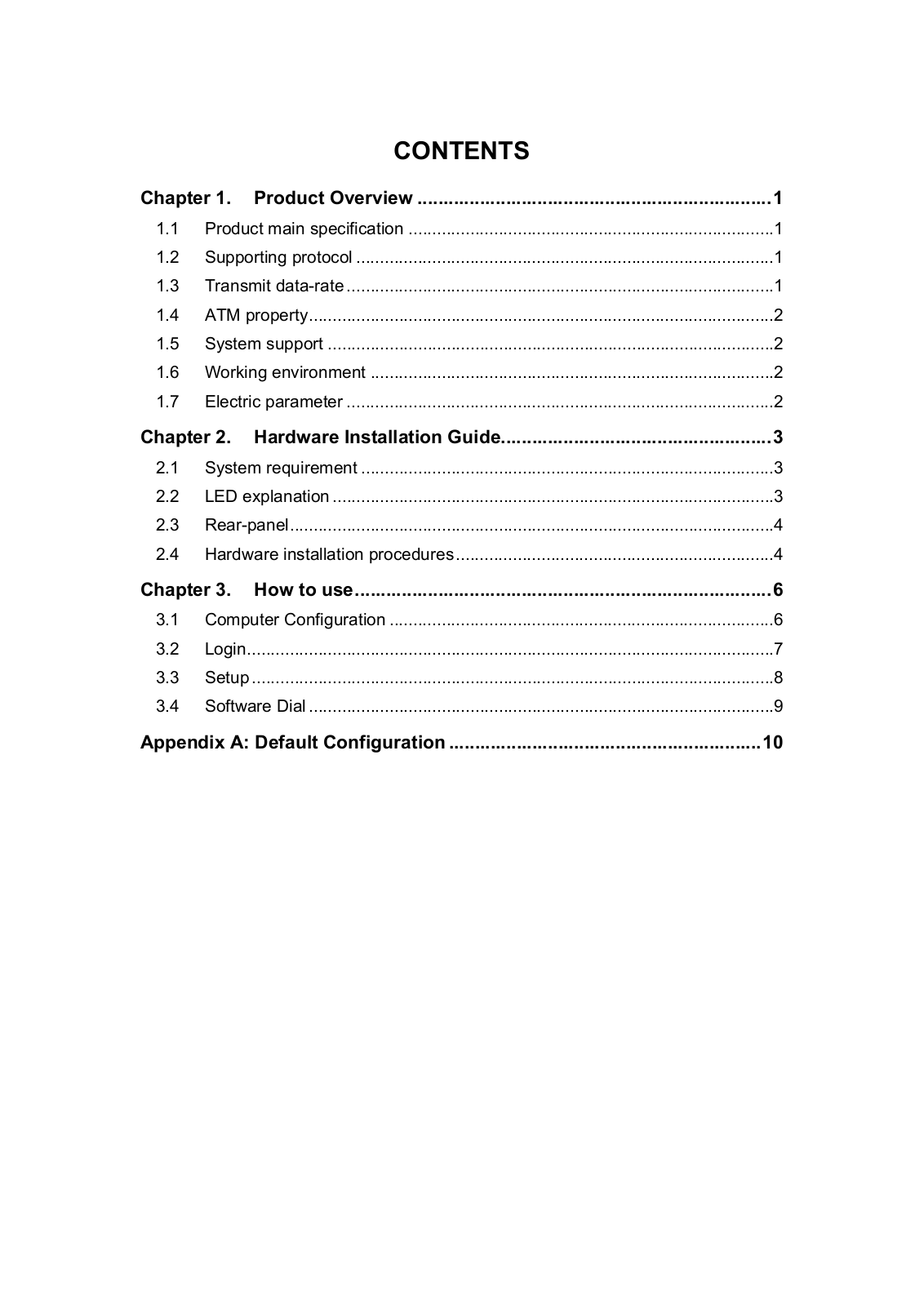
Loading…
+ 10 hidden pages
You need points to download manuals.
1 point = 1 manual.
You can buy points or you can get point for every manual you upload.
Buy points
Upload your manuals
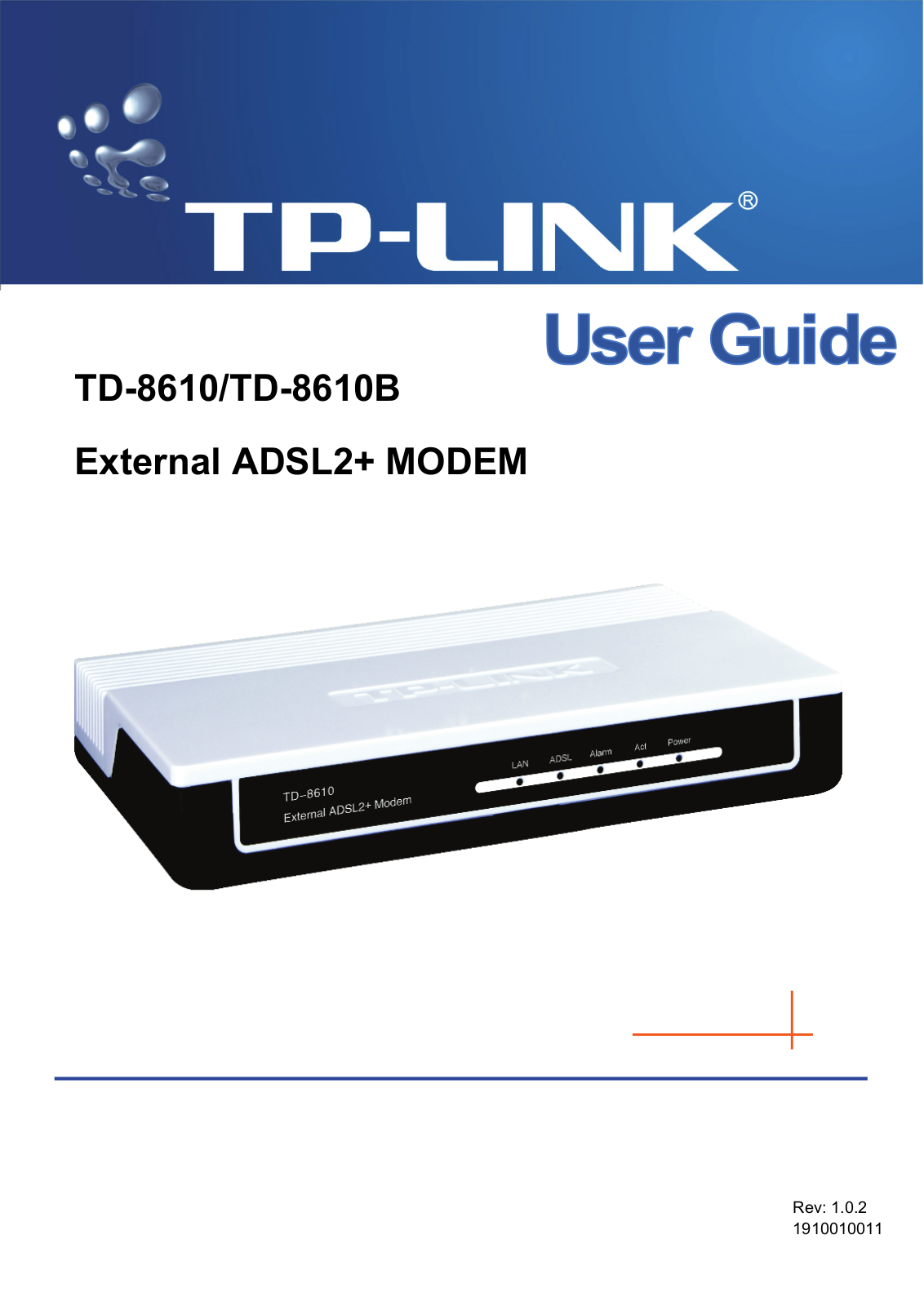
View the manual for the TP-Link TD-8610 here, for free. This user manual comes under the category routers and has been rated by 1 people with an average of a 7.5. This manual is available in the following languages: English. Do you have a question about the TP-Link TD-8610?
Ask your question here
TP-Link TD-8610 specifications
Below you will find the product specifications and the manual specifications of the TP-Link TD-8610.
Supported data transfer rates
10/100 Mbit/s
Operating temperature (T-T)
0 — 40 °C
General
| Brand | TP-Link |
| Model | TD-8610 | TD-8610 |
| Product | router |
| EAN | 6935364030230 |
| Language | English |
| Filetype | User manual (PDF) |
Modem
Performance
| Supported data transfer rates | 10/100 Mbit/s |
| Upstream data rate | 1 Mbit/s |
| Downstream data rate | 24 Mbit/s |
| Supported protocols | ANSI T1.413 Issue 2\nITU-T G.992.1\nITU-T G.994.1\nITU-T G.992.3\nITU-T G.992.5 |
Ports & interfaces
| Modem (RJ-11) ports | 1 |
| Ethernet LAN (RJ-45) ports | 1 |
Features
Operational conditions
| Operating temperature (T-T) | 0 — 40 °C |
| Operating relative humidity (H-H) | 10 — 90 % |
| Non-operating relative humidity (non-condensing) | 5 — 90 % |
| Storage temperature (T-T) | -40 — 70 °C |
show more
Frequently asked questions
Can’t find the answer to your question in the manual? You may find the answer to your question in the FAQs about the TP-Link TD-8610 below.
What does the download speed on the internet depend on?
The download speed on the internet depends on the type of connection you have. If you have a 25 Mb/s connection this means that theoretically you should be able to download 25 MB per second.
What is the difference between a router and a modem?
A modem provides the internet connection via the internet provider. A router then distributes the Internet signal to the devices connected to the router.
Is WIFI radiation harmful?
WIFI is a radio frequency signal in the form of non-ionising radiation. This radiation cannot damage cells and tissues and is therefore not harmful to human health.
Is the manual of the TP-Link TD-8610 available in English?
Yes, the manual of the TP-Link TD-8610 is available in English .
Is your question not listed? Ask your question here
TP-Link TD-8610 Modem PDF User Guides and Manuals for Free Download: Found (3) Manuals for TP-Link TD-8610 Device Model (Operation & User’s Manual)
The TP-Link TD-8610 is a well-regarded ADSL modem that has gained popularity among users looking for reliable broadband connectivity. Designed with functionality and performance in mind, this modem caters to various internet needs, making it a solid choice for both home and small office environments. In this review, we will delve into the features, performance, and overall user experience provided by the TP-Link TD-8610, highlighting why it’s a preferred option for many consumers.
One of the standout features of the TP-Link TD-8610 is its multi-functional capability. It supports both ADSL and ADSL2+ connections, providing users with the flexibility to connect to different types of broadband services. The device supports a wide range of frequencies and offers download speeds of up to 24 Mbps. This makes it suitable for activities like streaming, gaming, and video conferencing without significant slowdowns.
Another notable aspect is its ease of installation. The TP-Link TD-8610 comes with a straightforward setup procedure, allowing users to get online quickly. The included setup wizard provides step-by-step guidance, ensuring that even those with limited technical expertise can configure the device without any issues. Connectivity is made simple through standard Ethernet ports, which allow for wired connections to multiple devices like computers and routers.
The build quality of the TP-Link TD-8610 is robust, featuring a sleek design that can easily blend into any home or office setup. The front panel includes LED indicators that provide real-time status updates for power, DSL, and internet connectivity. This feedback is invaluable for users who want to monitor their connection without needing to log into the modem interface constantly.
In terms of performance, the TP-Link TD-8610 excels in delivering stable internet connectivity. Users report minimal downtime and strong signal reception, even in larger spaces. With built-in security features such as firewall protection and NAT, users can trust that their data is secure from potential threats. The inclusion of several management tools also allows users to customize their network settings according to specific needs.
Moreover, the TP-Link TD-8610 is highly compatible with a wide range of operating systems and devices, adding to its versatility. Whether you are using Windows, macOS, or Linux, this modem integrates seamlessly into your setup. Its compatibility extends to various routers and other networking equipment, making it an excellent addition to any existing home network.
However, like any product, the TP-Link TD-8610 has its limitations. While it serves as a reliable modem, it lacks built-in wireless capabilities, meaning users who depend on wireless connections will need to invest in a separate wireless router. Additionally, while firmware updates are available, some users have expressed a desire for more frequent updates to enhance compatibility with evolving technologies.
In conclusion, the TP-Link TD-8610 stands out as a reliable and efficient ADSL modem, providing solid performance for both casual and demanding internet users. Its ease of setup, stable connections, and compatibility make it a fantastic choice for those looking to enhance their internet experience. However, users requiring wireless capabilities should consider pairing it with a high-quality wireless router to complete their network setup.
Overall, the TP-Link TD-8610 is a commendable product worth considering for anyone in search of a dependable ADSL modem solution.
- Topics
- manualsbase, manuals,
- Collection
- manuals_tp-link; manuals; additional_collections
- Language
- English
- Item Size
- 5.1M
- Addeddate
- 2020-08-13 02:17:45
- Identifier
- manualsbase-id-216031
- Identifier-ark
- ark:/13960/t0gv4px33
- Ocr
- ABBYY FineReader 11.0 (Extended OCR)
- Page_number_confidence
- 71.43
- Ppi
- 300
- Scanner
- Internet Archive Python library 1.9.4
plus-circle Add Review
plus-circle Add Review
comment
Reviews
There are no reviews yet. Be the first one to
write a review.
85
Views
DOWNLOAD OPTIONS
download 1 file
ABBYY GZ download
Temporarily Unavailable
DAISY
For users with print-disabilities
Temporarily Unavailable
EPUB
download 1 file
FULL TEXT download
download 1 file
ITEM TILE download
download 1 file
PAGE NUMBERS JSON download
download 1 file
PDF download
download 1 file
SINGLE PAGE PROCESSED JP2 ZIP download
download 1 file
TORRENT download
download 12 Files
download 6 Original
SHOW ALL
IN COLLECTIONS
Manuals: TP-Link
The Manual Library
Additional Collections
Uploaded by
chris85
on
Хорошее руководство по эксплуатации
Законодательство обязывает продавца передать покупателю, вместе с товаром, руководство по эксплуатации TP-Link TD-8610. Отсутствие инструкции либо неправильная информация, переданная потребителю, составляют основание для рекламации в связи с несоответствием устройства с договором. В законодательстве допускается предоставлении руководства в другой, чем бумажная форме, что, в последнее время, часто используется, предоставляя графическую или электронную форму инструкции TP-Link TD-8610 или обучающее видео для пользователей. Условием остается четкая и понятная форма.
Что такое руководство?
Слово происходит от латинского «instructio», тоесть привести в порядок. Следовательно в инструкции TP-Link TD-8610 можно найти описание этапов поведения. Цель инструкции заключается в облегчении запуска, использования оборудования либо выполнения определенной деятельности. Инструкция является набором информации о предмете/услуге, подсказкой.
К сожалению немного пользователей находит время для чтения инструкций TP-Link TD-8610, и хорошая инструкция позволяет не только узнать ряд дополнительных функций приобретенного устройства, но и позволяет избежать возникновения большинства поломок.
Из чего должно состоять идеальное руководство по эксплуатации?
Прежде всего в инструкции TP-Link TD-8610 должна находится:
— информация относительно технических данных устройства TP-Link TD-8610
— название производителя и год производства оборудования TP-Link TD-8610
— правила обслуживания, настройки и ухода за оборудованием TP-Link TD-8610
— знаки безопасности и сертификаты, подтверждающие соответствие стандартам
Почему мы не читаем инструкций?
Как правило из-за нехватки времени и уверенности в отдельных функциональностях приобретенных устройств. К сожалению само подсоединение и запуск TP-Link TD-8610 это слишком мало. Инструкция заключает ряд отдельных указаний, касающихся функциональности, принципов безопасности, способов ухода (даже то, какие средства стоит использовать), возможных поломок TP-Link TD-8610 и способов решения проблем, возникающих во время использования. И наконец то, в инструкции можно найти адресные данные сайта TP-Link, в случае отсутствия эффективности предлагаемых решений. Сейчас очень большой популярностью пользуются инструкции в форме интересных анимаций или видео материалов, которое лучше, чем брошюра воспринимаются пользователем. Такой вид инструкции позволяет пользователю просмотреть весь фильм, не пропуская спецификацию и сложные технические описания TP-Link TD-8610, как это часто бывает в случае бумажной версии.
Почему стоит читать инструкции?
Прежде всего здесь мы найдем ответы касательно конструкции, возможностей устройства TP-Link TD-8610, использования отдельных аксессуаров и ряд информации, позволяющей вполне использовать все функции и упрощения.
После удачной покупки оборудования/устройства стоит посвятить несколько минут для ознакомления с каждой частью инструкции TP-Link TD-8610. Сейчас их старательно готовят или переводят, чтобы они были не только понятными для пользователя, но и чтобы выполняли свою основную информационно-поддерживающую функцию.