

Come, see through new eyes.
For new eyes reveal new worlds, both in epic landscape,
and breathtaking detail. Both in new environments off-road,
The real voyage of discovery“
and familiar ones on it. It is what has allowed Bentley to
reappraise the luxury SUV category. To reshape it.
consists not in
but in
seeking new landscapes
having new eyes
Marcel Proust
”
And, ultimately, to redefine it.
We have created a car with the power, performance
and technological prowess to impose itself on the most
challenging of terrains, yet with the craftsmanship and
finesse to withstand the most extreme scrutiny.
The Bentayga. The most exclusive and highly prized sport
utility vehicle in the world. Bringing unparalleled levels
of luxury and blistering performance to those who desire
to drive something more than an SUV.
From inside it, you can embark on a journey of discovery,
of rediscovery and of self-discovery.
We’ve seen through new eyes. Now, it’s your turn.
54

Not an SUV. A Bentley.
The Bentayga is, in every sense, the go-anywhere Bentley.
One that takes the essence of the marque’s luxury –
exquisite craftsmanship with incredible attention to detail –
and transports it to the four corners of the world. One that
takes the practicality of an SUV and empowers it with
genuine Bentley performance credentials. With cutting-edge
technology and an all-new 12-cylinder engine, it delivers the
perfect balance of speed, power and efficiency.
Bentayga was born by challenging our own preconceptions
of what is possible, or not possible, for an SUV. Designed to
push far beyond the pinnacle of today’s sport utility vehicle,
its performance, allied to unparalleled luxury and contemporary
design, mark it out as the definitive SUV. Its astonishing
prowess is evident both on-road and off-road, from Trafalgar
Square to the Arctic Circle.
By far the most advanced Bentley ever built, the Bentayga
features a wealth of new and highly intuitive driver assistance
features. This vehicle is handcrafted with great precision –
and equal passion – by our expert teams of automotive
artisans in Crewe, England. It is a car for those who also share
a passion – not just to do more, but to experience more.
To experience the extraordinary.
6 7

New landscapes.
Jet-set mindset.
Familiar surroundings.
Sports Utility Vehicle.
Note that word in the middle: utility. It sounds cold, clinical –
at best, functional. Very much the role utility has played for
generations of SUVs.
Enter Bentley Bentayga.
Note that word in the middle: Bentley. Now, utilitarian
has been elevated to dramatic new levels of high-end
experience. Practicality redefined with innovative technology,
phenomenal engine performance and contemporary design.
Whether golfing or shooting, fishing or sailing, touring or
trekking, or simply shopping and school-running, function
is now housed in tactile, luxuriant form.
Gaze across stunning landscapes as your fingers play
across the beautifully lacquered veneer of the handcrafted
fascia, or the exquisitely tailored compact perfect squares
of the seat shoulders and bolsters. Indulgent touches,
admittedly. But then, you can find those anywhere you
look at the Bentayga.
And you can find the Bentayga, anywhere on Earth.
When it comes to the realities of modern ultra-luxury living,
the Bentayga is a car for all seasons. For all activities, however
extreme. For all lifestyles, however demanding.
More than 20 innovative new features make yours and your
family’s lives as adventurous and absorbing as the Bentayga
ride itself. They encompass a whole spectrum of pursuits,
across a vast range of temperatures – whether at sea level
on the Cote d’Azur or the snowline in the Sierra Nevada.
The class-leading 12-cylinder engine generates a towing
capacity of 3.5 tonnes – more than ample for speedboats,
support watercraft, gliders and horseboxes. And an electrically
*
retracting tow bar
not in use.
All features and accessories, from aerodynamic roof box to
a range of tailored storage solutions for skiing, fishing, diving
and other active pursuits, offer the luxury of practicality,
whilst echoing the exquisite Bentayga styling. Bentley’s
hands-free tailgate, easy-load boot function and load assist
tray are also engineered to operate in a simple, intuitive and
seamless fashion.
lies folded behind the rear bumper when
1514
*Market specific.
30 Sep 2022
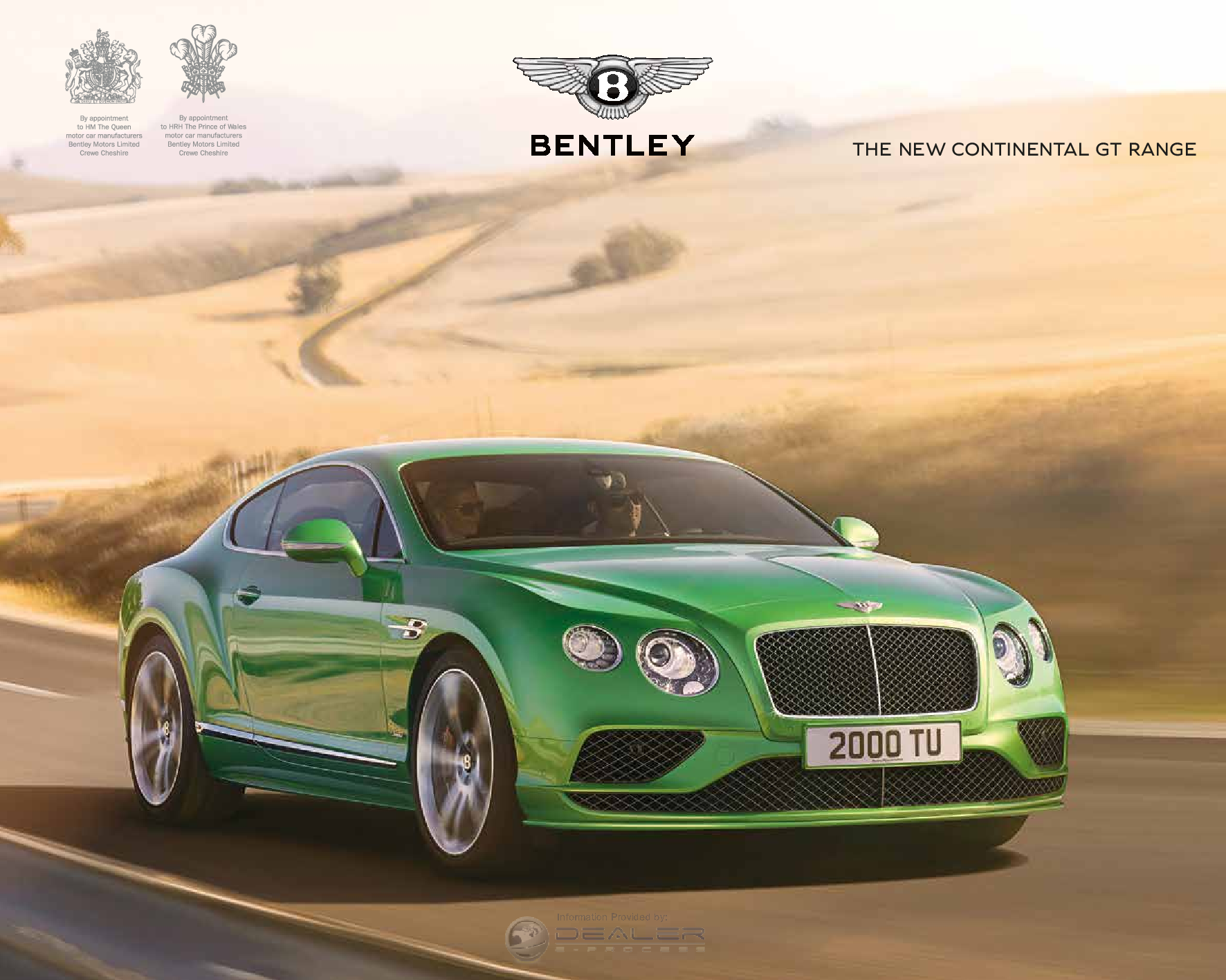
2016 BENTLEY Continental GT PDF
The 2016 BENTLEY Continental GT owner’s manual contains information on the operation and location of controls, a maintenance
30 Sep 2022
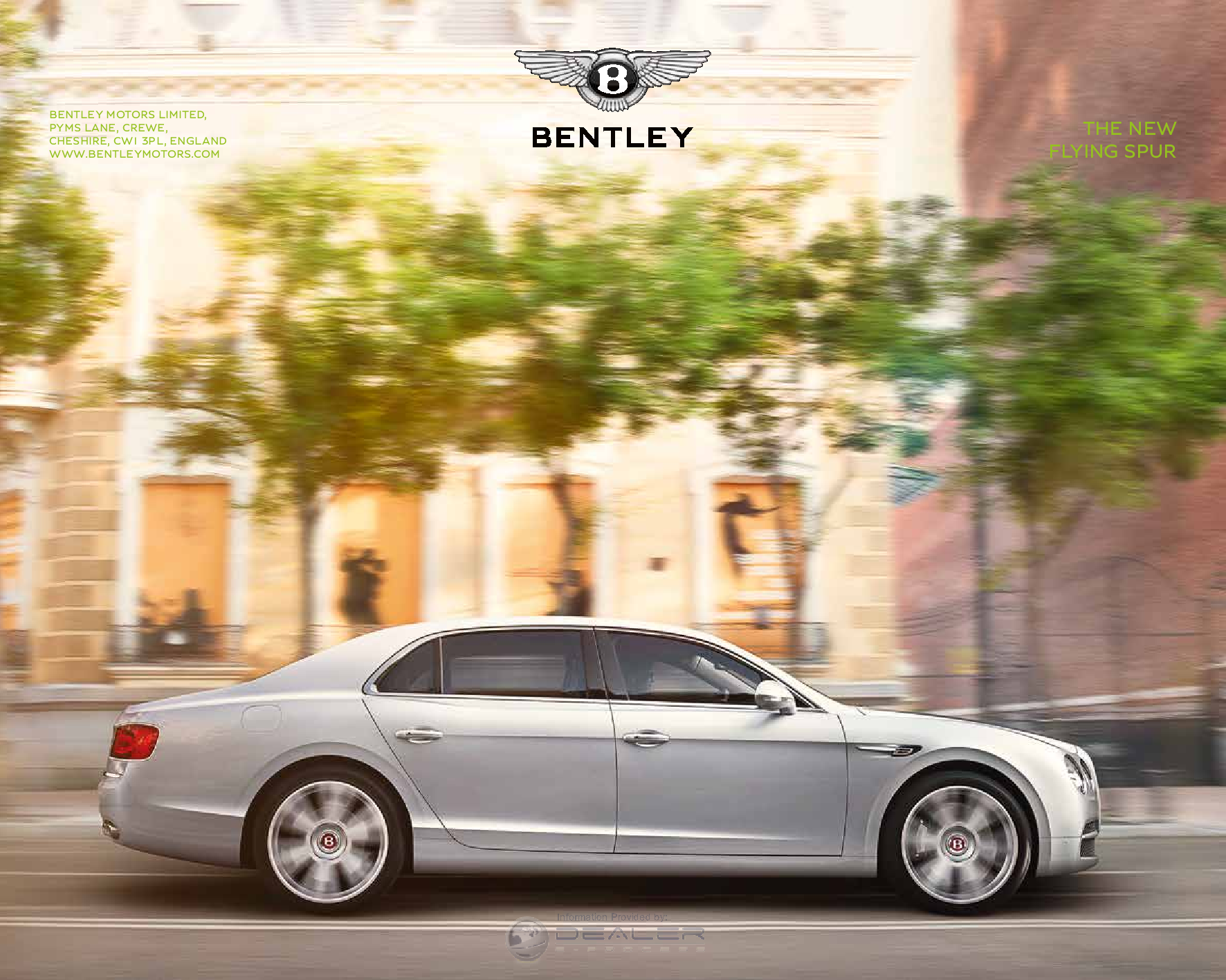
2016 BENTLEY Flying Spur PDF
The 2016 BENTLEY Flying Spur owner’s manual contains information on the operation and location of controls, a maintenance
30 Sep 2022

2016 BENTLEY Mulsanne PDF
The 2016 BENTLEY Mulsanne owner’s manual contains information on the operation and location of controls, a maintenance schedule
30 Sep 2022

1996 BENTLEY Continental PDF
The 1996 BENTLEY Continental owner’s manual contains information on the operation and location of controls, a maintenance
30 Sep 2022
1997 BENTLEY Continental PDF
The 1997 BENTLEY Continental owner’s manual contains information on the operation and location of controls, a maintenance
30 Sep 2022
1999 BENTLEY Continental PDF
The 1999 BENTLEY Continental owner’s manual contains information on the operation and location of controls, a maintenance
30 Sep 2022
2000 BENTLEY Continental PDF
The 2000 BENTLEY Continental owner’s manual contains information on the operation and location of controls, a maintenance
30 Sep 2022

2013 BENTLEY Continental GT PDF
The 2013 BENTLEY Continental GT owner’s manual contains information on the operation and location of controls, a maintenance
30 Sep 2022

2013 BENTLEY Continental Gtc PDF
The 2013 BENTLEY Continental Gtc owner’s manual contains information on the operation and location of controls, a maintenance

Bentley Continental Owner’s Manual, Spares Sheet, Repair Workshop Service Manual Wiring_Diagrams, Misc Documents-Brochure, Accessories. Engine Service manual. Free Download
Bentayga, Continental, Flying Spur, Mulsanne, S-Series, Silver Cloud, T Series, Silver Shadow
Bentley Arnage Assist 03.2010 DVD 967mb Download
-Arnage Arnage – Red Label Arnage – Green Label Arnage 4.4L Birkin
-Arnage LWB Arnage Le Mans Arnage R (2002-2004) Arnage T (2002-2004)
-Arnage RL (2002-2004) Arnage T-24 Mulliner Arnage R by Mulliner
-Arnage T (2005-2009) Arnage R (2005-2009) Arnage RL (2005-2009)
-Arnage Blue Train Arnage Diamond Series Arnage Final Series
-Azure Azure T Brooklands
Bentley 4¼ Litre MK_VI With Instruction For Running & Maintenance Manual
Bentley MK6 Starting the Engine and Driving the Car Download
Bentley MK6 Periodic Lubrication and Attention Download
Bentley MK6 Centralised Chassis Lubrication Download
Bentley MK6 Engine Lubrication System Download
Bentley MK6 The Fuel System Download
Bentley MK6 The Braking System Download
Bentley MK6 Clutch, Gearbox, Propeller Shaft and Rear Axle Download
Bentley MK6 Steering, Shock Dampers, Road Springs, Wheels and Tyres Download
Bentley MK6 Engine Cooling System Download
Bentley MK6 The Electrical System Download
Bentley MK6 The Body and Coachwork Download
Bentley MK6 Storage and Recommissioning of Cars Download
Bentley (Pre-War to 1976) Service_Schedule Manual_Download
Bentley 4-1-4l M-series_Wiring diagram_Download
Bentley 4.25 l MK6 Manual 1931_Download
Bentley_Chassis Numbers Booklet (1904 – 1980)_Download
Bentley_MK6 Manual 1931_Download
Bentley_Phantom Vi (Gm400 Cars Pgh101 Onwards) Workshop Manual Electrical & Torque Tightening_Download
Bentley_R Type Handbook_Download
Rolls_Royce & Bentley_Cars Paint Codes_Download
Bentayga Speed_Bentayga V8 20MY Customer Book_Download
Bentley_Bentayga Mulliner Brochure_Download
Bentley_Flying Spur Accessories Brochure_Download
Bentley_Flying Spur Brochure_Download
Bentley_Mulsanne Accessories Range_Download
Bentley_Mulsanne / Silver Spirit 1980 – 1986 Service Information Sheets (S.I.S.). Mixed Parts & Service Bulletins_Download
Bentley_Mulsanne / Silver Spirit Service_Schedule Manual_Download
Bentley_S Series / Silver Cloud (1955 – 1959) Workshop Manual_Download
Bentley_S Series / Silver Cloud Workshop_Manual – 4 Speed Automatic Transmission_Download
Bentley_S Silver Cloud Service Bulletin_Download
Bentley_S / Silver Cloud / Silver Cloud 2 Workshop Manual_Download
Bentley_S2 / S3 Silver Cloud 2 / 3 Service Bulletin_Download
Bentley_S2 / Silver Cloud 2 (Supplement For 6230cc V8 Engine) Workshop_Manual Engine_Download
Bentley_S2 / Silver_Cloud 2 Workshop_Manual Air_Conditioning_Download
Bentley_S3 Silver_Cloud 3 Spares Information Sheet_Download
Bentley_S3 / Silver_Cloud III Workshop_Manual Supplement_Download
Bentley T Series / Silver Shadow Manuals
Bentley_T Series / Silver_Shadow (1972 – 1975) Service Bulletin_Download
Bentley_T Series / Silver_Shadow (1965 – 1971) Service Bulletin_Download
Bentley_T Series / Silver_Shadow (1965 – 1971) Spares Information Sheets_Download
Bentley_T Series / Silver_Shadow (1965 – 1976) Workshop Manual_Download
Bentley_T Series / Silver_Shadow (1972 – 1975) Spares_Information Sheets_Download
Bentley_T Series / Silver_Shadow (1976 – 1978) Service Bulletin_Download
Bentley_T Series / Silver_Shadow (1980 – 1986) Service Bulletin_Download
Bentley_T Series / Silver_Shadow (1980 – 1986) Spares_Information Sheets_Download
Bentley_T Series / Silver_Shadow_Workshop Manual_Gm400 Transmission_Download
Bentley_T2 / Silver_Shadow Ii (1977 – 1980 Includes Corniche & Camargue) Workshop Manual_ Download
Bentley Continental Repair_Workshop Service Manual Wiring Diagrams, Misc Documents-Brochure, Accessories. Engine Service manual. Free Download PDF and App Assist
Bentley Continental_GT 2006 Brochure Download
Bentley Continental_GT 2007 Misc Documents-Brochure Download
Bentley Continental_GT and GT Convertible Customer’s Book Download
Bentley Continental_GT W12 Accessories Download
Bentley Continental_GTC 2007 Misc Documents-Brochure Download
Bentley Continental_S3 Spares Information Sheet Download
Bentley Continental_Series (2004-2011) Accessories Download
Bentley Continental_Sports Saloon (with automatic gearbox) Handbook Download
Bentley Continental Repair, Maintenance and Diagnosis App
IETIS Viewer Technical_Database ASSIST Bentley .rar Download
Repair_Workshop Service Manual Wiring Diagrams EPC ASSIST_IETIS
2004-2010
- Bentley_Continental GT
- Bentley_Continental Flying Spur
- Bentley_Continental GTC
- Bentley_Continental GT Diamond Series
- Bentley_Continental GT Speed
- Bentley_Continental Flying Spur Speed
- Bentley_Continental GTC Speed
- Bentley_Continental Supersports
- Bentley_Continental GT Speed Srs 51
- Bentley_Continental GT Srs 51
- Bentley_Continental GTC Speed Srs 51
- Bentley_Continental GTC Srs 51
Since its founding in 1919, Bentley has consistently strived for success by offering customers the very best and most modern in the automotive world. In 1924, the Bentley sports
car won the legendary Le Mans race and won several more times until 1930. Production models have always been distinguished by high-class design and were perfect from a technical point of view.
This car was one of the great race winners in its heyday and had a powerful engine that laid the foundation for future motors. He gave out 180 hp. for the road version, it developed 200 hp on the
racing model. Company founder Walter Owen Bentley learned from his railroad experience: The Speed 6 received aluminum pistons, dual spark ignition, and a dry sump lubrication
system.
This racing icon has become widely known thanks to Sir Henry Birkin, the famous English racing driver who embodied the image of a British sports icon. The Blower Birkin sports cars were unrivaled
on the track. In 1932, he set a stunning speed record by accelerating a car to 222 km / h.
A total of 100 Bentley Eights were built, and many of them have survived to this day. Depending on the type of body, the model weighed up to 2 tons and was equipped with a huge
8-liter inline-six engine with 220 hp, which by the standards of that time was a very noticeable achievement. The Bentley Eight Liter was the brand’s last car before the company was sold to Rolls
Royce.
The value of this Bentley cannot be overestimated. Produced between 1946 and 1952, it was the company’s first car after World War II and after being taken over by Rolls Royce. It had an all-metal
body and was considered the most expensive and fastest 5-seater car of that time.
Arnage was originally supposed to get a 4.4-liter BMW engine. In a fierce battle for control and ownership of the Bentley and Rolls Royce
brands, which involved Volkswagen and BMW, the car managed to make do with a 6.75-liter V8 engine. The engine,
although heavier, gracefully complemented the Arnage and served it faithfully.
A turbocharger is a complex mechanism. And while manufacturers claim that the latest generation of turbocharging systems are more reliable than ever, car owners often face different realities.
The following symptoms indicate that it is time to repair the Bentley Continental GT V8S turbine:
- increased consumption of engine oil;
- exhaust color change;
- drop in power of the power unit;
- deviations of pressure indicators in the internal combustion engine and oil level from the norm;
- abrupt shutdown or overheating of the engine;
- turning on the “check engine” indicator on the dashboard.
Any of these malfunctions requires diagnostics in a car service using specialized equipment. It is not recommended to repair the turbine on your own or at unverified maintenance stations,
because. inept actions combined with the use of cheap analog parts can lead to a complete failure of the compressor and / or engine.
Bentley is Bentley… The standard of success, luxury and prestige. Bentley Continental GTC W12 can rightfully be considered an exceptional and excellent royal convertible. The
best auto designers and constructors of England have invested in this car not only their soul, but also an indomitable temper, the pacification of which will bring you indescribable pleasure.
Externally, the Bentley Continental GTC W12 combines solidity and aggressiveness. It is as if created by the best sculptors in the world: sensual graceful lines of the body are
complemented by pronounced fenders and a radiator grill typical for this brand, which is crowned with the world-famous logo of the automaker.
Unlike sports cars from other brands, the Bentley Continental GTC is not noisy! The sound of the engine, rather, resembles an intricately woven melody, the performance of which
depends on its condition. Only wound up, he lightly hums a quiet song under his breath that will not disturb the neighbors. But step on the gas, and your car will play drum solos for you,
caressing your ears and delivering incomparable driving pleasure.
Once you’re inside this chic convertible, we bet you’ll be speechless for a couple of moments! The interior of the Bentley Continental GTC W12 is truly chic. The seat upholstery
is hand-sewn from the softest and most premium leather in the world. In general, all materials used in the interior trim of this car have the prefix “best” and “premium”.
On this page you will find step-by-step instructions on how to set-up and use the My Bentley services available across our Bentayga models.
Please be aware that not all services are available on each model and set-up instructions may vary. For more information on availability by model and country, please see Service Availability.
CO2 Emissions and fuel consumption data for EU27 is pending, subject to EU Type Approval.
Read more
IN-CAR SERVICES
In-car services are accessed through the Infotainment system. Depending on the model of your vehicle and the country of purchase, you may be required to set up a data connection in order to use the services.
For Bentayga 21MY+: Data allowance for In-car services is provided to you at no additional cost for duration of primary licence period (three years).
For Bentayga 17MY-20MY/Hybrid: You will need to set up a data connection in the vehicle by inserting a Mini SIM card or tethering data from your smartphone.
WI-FI HOTSPOT
Bentayga 21MY+:
Click here to register for an account and purchase a data plan through our mobile network partner website.
For Bentayga 17MY-20MY/Hybrid:
This service requires you to set-up a data connection in the vehicle by inserting a Mini SIM card.
To activate Wi-Fi hotspot:
1. Insert Mini SIM card.
2. A pop-up will appear asking you to Select an access point > Select the mobile network provider/type of your SIM card.
3. From the Infotainment system homepage select Phone.
4. Select the Options icon > Phone settings > Wi-Fi settings > Activate Wi-Fi.
To connect a mobile device to the Wi-Fi hotspot:
1. From the Infotainment home page, select Share internet with Wi-Fi devices.
2. On your mobile device select the vehicle’s Wi-Fi hotspot name.
3. Enter the Wi-Fi hotspot password.
To view the vehicle’s Wi-Fi hotspot name/password: Phone settings > Wi-Fi settings > Hotspot settings.
Read more
APPLE CARPLAY®
This service uses the data connection from your smartphone.
1. Using an appropriate cable*, connect your iPhone® to the vehicle via one of the USB ports located in the armrest storage.
2. Read and accept the prompts that appear on the vehicle’s infotainment screen.
3. If your phone screen is locked, unlock it to start CarPlay®.
Note: A pop-up will appear on your iPhone® screen giving you the option to allow CarPlay® to access your phone whilst it is locked.
*In some countries Wireless Apple CarPlay is also available.
Read more
SATELLITE MAPS
Bentayga 21MY+:
1. From the Navigation homepage, select Settings.
2. Select Map settings.
3. Select Satellite map.
Data allowance for this service is provided at no additional cost for duration of primary licence period (three years).
Bentayga 17MY-20MY/Hybrid:
1. Cancel any active route guidance.
2. From the Navigation homepage, select the Layers icon.
3. Select Google Earth™*/Satellite Maps to activate the satellite display.
*Google Earth™ will no longer be offered on any new vehicles from May 2018. However, it will continue to be available on existing vehicles until the end of 2020.
This service requires you to set up a data connection in the vehicle by inserting a Mini SIM card or tethering your smartphone.
Read more
ONLINE SEARCH
Bentayga 21MY+:
1. From the Navigation homepage, click the Search icon.
2. Ensure Google is active by selecting the ‘G’ icon (top right-hand corner of screen).
Data allowance for this service is provided at no additional cost for duration of primary licence period (three years).
Bentayga 17MY-20MY/Hybrid:
1. From the Navigation homepage, select Enter destination.
2. Select Online search.
This service requires you to set up a data connection in the vehicle by inserting a Mini SIM card or tethering your smartphone.
Read more
REAL-TIME TRAFFIC INFORMATION
Bentayga 21MY+:
1. From the Navigation homepage, select Settings.
2. Select Map settings.
3. Select Traffic.
Data allowance for this service is provided at no additional cost for duration of primary licence period (three years).
For Bentayga 17MY-20MY/Hybrid:
1. From the Navigation homepage, select the Layers icon in the bottom-right corner of the screen.
2. Select Traffic flow.
This service requires you to set up a data connection in the vehicle by inserting a Mini SIM card or tethering your smartphone.
Read more
FUEL INFO
Bentayga 21MY+:
Fuel information is displayed when searching for a fuel station via Point of interest search.
Data allowance for this service is provided at no additional cost for duration of primary licence period (three years).
Bentayga 19MY-20MY/Hybrid:
This service requires you to set up a data connection in the vehicle by inserting a Mini SIM card or tethering your smartphone.
1. From the My Bentley homepage, select Fuel info.
2. Select to view fuel stations Nearby/At destination/At stopover/At another location.
3. Select a fuel station from the list.
Read more
NEWS
Bentayga 21MY+:
1. From the Infotainment system homepage, swipe left.
2. Select News.
Data allowance for this service is provided at no additional cost for duration of primary licence period (three years).
Bentayga 19MY-20MY/Hybrid:
1. From the My Bentley homepage, select News.
2. Select a news provider from the list.
3. Select a news headline from the list.
This service requires you to set up a data connection in the vehicle by inserting a Mini SIM card or tethering your smartphone.
Read more
WEATHER
Bentayga 21MY+:
1. From the Infotainment system homepage, swipe left.
2. Select Weather.
Data allowance for this service is provided at no additional cost for duration of primary licence period (three years).
Bentayga 19MY-20MY/Hybrid:
1. From the My Bentley homepage, select Weather.
2. Select to view the weather report for your current location/At destination/At stopover > At another location.
3. Swipe left to view more information.
This service requires you to set up a data connection in the vehicle by inserting a Mini SIM card or tethering your smartphone.
Read more
MAP UPDATE
Bentayga 21MY+:
1. From the Infotainment system homepage, select Settings.
2. Select System maintenance.
3. Select Automatic online map update.
Data allowance for this service is provided at no additional cost for duration of primary licence period (three years).
Bentayga 19MY-20MY/Hybrid:
1. From the Navigation homepage, select the Route icon (chequered flag in distance).
2. Select the Options icon in the top-right corner of the screen.
2. Select Route options.
3. Select Map update.
3. Select the map/s that you would like to be updated.
This service requires you to set up a data connection in the vehicle by inserting a Mini SIM card or tethering your smartphone.
Read more
E-CHARGING (HYBRID)
Hybrid 21MY+:
E-charging information is displayed when searching for an e-charge station via Point of interest search.
Data allowance for this service is provided at no additional cost for duration of primary licence period (three years).
Hybrid 20MY:
This service requires you to set up a data connection in the vehicle by inserting a Mini card or tethering your smartphone.
1. From the My Bentley homepage, select E-charging.
2. Select to view charging stations Nearby/At destination/At stopover/At another location.
3. Select a charging station from the list.
Read more
ONLINE RADIO
Bentayga 21MY+:
1. From the Radio homepage, select Online.
2. Choose from the available content options.
Data allowance for this service is provided at no additional cost for duration of primary licence period (three years).
Read more
SONG RECOGNITION
Bentayga 21MY+:
1. From the Radio homepage, select Settings.
2. Check Online additional data.
Data allowance for this service is provided at no additional cost for duration of primary licence period (three years).
Read more
POINT OF INTEREST SEARCH
Bentayga 21MY+:
1. From the Navigation homepage, click the Search icon.
2. Ensure Google is not active by deselecting the ‘G’ icon (top right-hand corner of screen).
Data allowance for this service is provided at no additional cost for duration of primary licence period (three years).
Read more
ANDROID AUTO™
Bentayga 21MY+:
This service uses the data connection from your smartphone.
1. Using a USB cable*, connect your Android to the vehicle via the USB port.
2. Read and accept the prompts that appear on the vehicle’s Infotainment screen.
For further information on the set up of Android Auto, please see Android Auto.
*In some countries Wireless Android Auto is also available.
Read more
PRIVACY MODE
Bentayga 21MY+:
1. From the Infotainment system homepage, select Settings.
2. Swipe left and select Privacy.
3. Tick Activate privacy mode.
Note: A version of Privacy mode is also available on Bentayga 19MY-20MY/Hybrid, see Data Protection (FAQs).
Read more
SWARM SERVICES
Bentayga 21MY+:
The following Swarm services will work automatically and do not require any additional set-up steps:
- Local hazard information
- Traffic sign recognition (where available)
- Green traffic light prediction (where available)
Read more
NATURAL SPEECH INTERACTION
Bentayga 21MY+:
1. From the Infotainment system homepage, select Settings.
2. Select General.
3. Select Speech dialogue system.
4. Select and agree to the Agreement for speech dialogue system online
recognition service.
Data allowance for this service is provided at no additional cost for duration of primary licence period (three years).
Read more
PERSONALISATION ONLINE
Bentayga 24MY+:
1. From the Infotainment system homepage, select Users.
2. Select the required My Bentley account.
3. Sign in using your username and password used in the My Bentley app.
Read more
APP STUDIO
Bentayga 25MY+:
1. From the Infotainment system homepage, swipe left or right and select App Studio.
2. Select Apps to view the list of third party apps.
3. Choose an app and select Install, then Confirm.
4. To locate the installed app, select My applications or go to the homepage and swipe left or right.
5. Select the app and follow the login instructions.
Note: This service is not available in all markets. The availability of apps will vary from country to country. To use this service you will need a My Bentley ID account and a data package.
Read more
REMOTE SERVICES
Remote services are operated through the My Bentley app and do not require you to set up a data connection. These services are enabled by an embedded SIM in your vehicle and need activating before you begin, please see Activating My Bentley.
Note: Data allowance for Remote services is provided at no additional cost for duration of primary licence period (three years).
FIND MY CAR
1. On the app, select the Navigation menu (arrow icon at the bottom of the screen).
2. Select the vehicle marker on the map.
3. Select Plan Route to begin route guidance.
Note: Use the icons in the bottom right-hand corner to pinpoint your/your vehicle’s location on the map. Use the Map settings icon (bottom left-hand corner) to change the map view.
Read more
MY CAR STATUS
1. On the app Dashboard, scroll down to view the vehicle status.
2. The data can be manually refreshed by dragging the page down or clicking the refresh icon (located under the vehicle name).
Read more
LOCK MY CAR
1. On the app Dashboard, view the padlock icons.
To lock the vehicle:
1. Select the closed padlock icon.
2. Enter your My Bentley account PIN.
3. The status will change from ‘Vehicle unlocked’ to ‘Vehicle locked’.
To unlock the vehicle:
1. Select the open padlock icon.
2. Enter your My Bentley account PIN.
3. The status will change from ‘Vehicle locked’ to ‘Vehicle unlocked’.
Read more
ACTIVATE HEATING*
1. On the app, select the Car Remote menu (square icon at the bottom of the screen).
2. Select Activate Heating > Quick start.
3. To start heating immediately, define the length of time you would like to heat the vehicle for and select Start.
4. Confirm that your vehicle is parked safely.
5. Enter your My Bentley account PIN.
Note: To programme the heating to start at a later point in time, select Timers.
*Park heater must be fitted in order to enable this feature.
Read more
THEFT ALERT
1. On the app, select the Car Remote menu (square icon at the bottom of the screen).
2. Select Theft Alarm.
3. The alarm type and details of the date/time of the alarm will be displayed.
4. Select Reset Alarm to clear the alarm notification.
Note: Resetting the alarm via the app will not reset the alarm on the vehicle itself.
Read more
MY CABIN COMFORT (HYBRID)
Hybrid:
1. On the app, select Car Remote on the bottom menu.
2. Select My cabin comfort.
3. To activate immediately, select Start.
4. To prepare the cabin in advance of a specific date and time, select Set timer.
5. Tap on a profile to set the date and time of your planned departure, select Save.
6. From 24MY+, select your desired temperature and which seats you would like prepared for your journey.
7. Select Sync To Car.
Read more
MY BATTERY CHARGE (HYBRID)
Hybrid:
1. On the app, select Car Remote on the bottom menu.
2. Select My battery charge.
3. To activate immediately, select Quick Start.
4. Tap on a profile to set the date and time of your planned departure, select Save.
5. Select Sync To Car.
Note: You can set a repeat timer by switching the repeat toggle ON and selecting the relevant days of the week.
Read more
MY CAR STATISTICS (HYBRID)
Hybrid:
1. On the app, select Car Remote on the bottom menu.
2. Select My car statistics.
3. You can view the data onscreen as a graph or list or you can export the data as a file using the share icon (top right-hand corner).
Read more
REMOTE DESTINATION IMPORT
Bentayga 24MY+:
1. On the app, select the Navigation menu (arrow icon at the bottom of the screen).
2. Search for a desired destination.
3. Select the desired destination.
4. Select Send to Car.
Read more
REMOTE PARK ASSIST
Bentayga 24MY+:
1. On the app, select Car Remote on the bottom menu.
2. Select the Remote Parking tile.
3. Activate Bluetooth.
4. Activate Location services.
5. Start Automatic User Identification.
6. The app will then begin searching for your vehicle.
7. Once the app has found your vehicle, select Start connection.
8. Once connected to your vehicle, it will ask you if you want to start parking.
9. Press and hold the Start/Stop button to turn the engine on.
10. Select a direction.
11. Park the car.
12. Finish the manoeuvre and get into the car.
Read more
EMERGENCY SERVICES
Emergency services do not require you to set up a data connection. They are enabled by a SIM embedded in your vehicle and do not require any additional activation steps.
Note: Data allowance for Emergency services is provided at no additional cost for duration of primary licence period (three years).
PRIVATE ECALL
Private eCall will activate automatically, for example, if an airbag is triggered or it can be operated manually by following the steps below:
1. Push the SOS button cover gently to reveal the SOS button (in the roof console).
2. Press the SOS button until the LED flashes green.
To cancel an accidental call:
1. Press the button again immediately until the LED lights up a steady green.
When the service is not in use, the LED is green to show that the connection is live.
Note: Data allowance for this service is provided at no additional cost for duration of primary licence period (ten years).
Read more
ROADSIDE ASSISTANCE CALL
Roadside assistance call is operated manually by following the steps below:
1. Press the roadside assistance button (button with a spanner icon) in the roof console.
2. The LED will turn amber to signal an active call.
To cancel an accidental call:
1. Press the button again immediately or press Cancel/End call on the vehicle infotainment screen.
When the service is not in use, the LED is off.
Note: Data allowance for this service is provided at no additional cost for duration of primary licence period (three years).
Read more