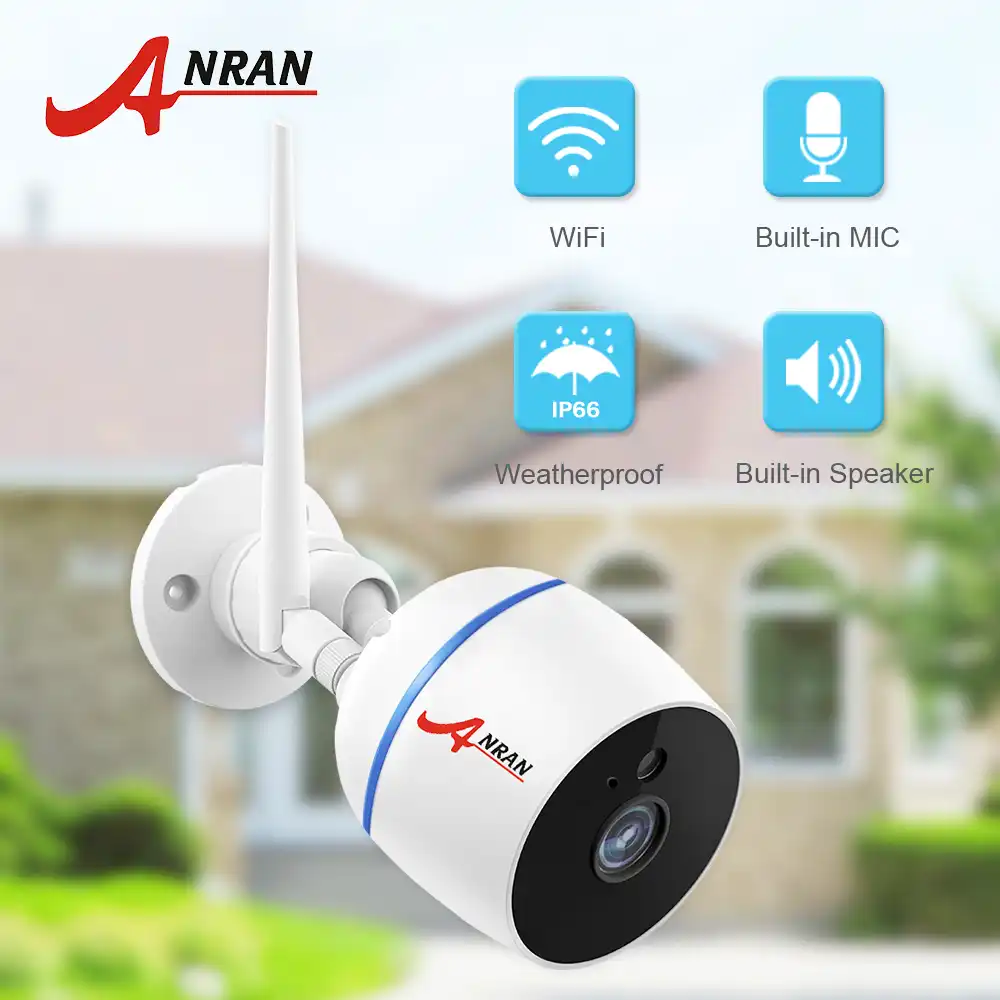
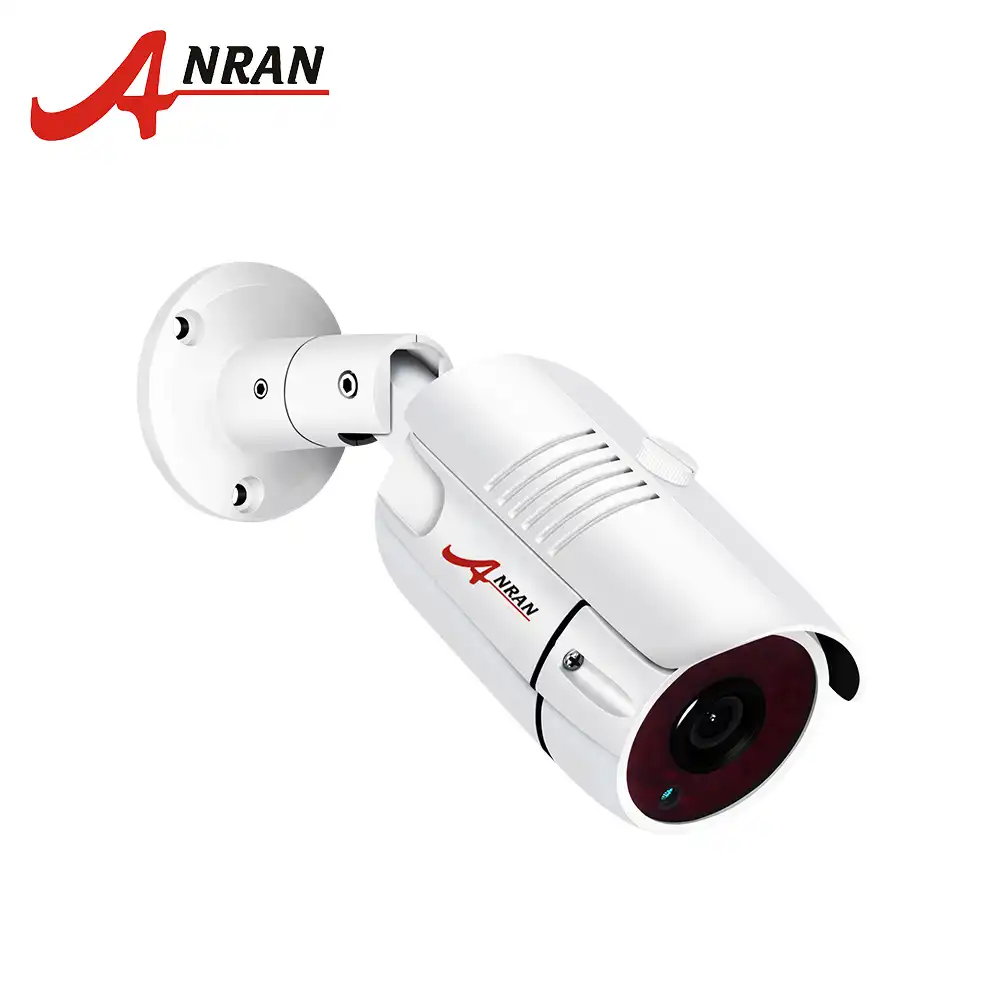
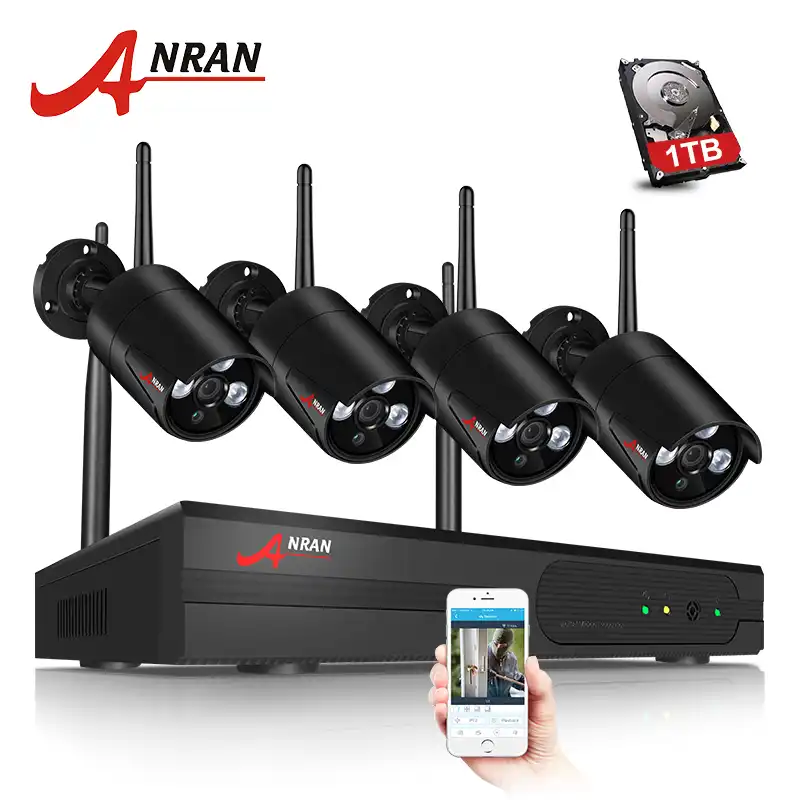
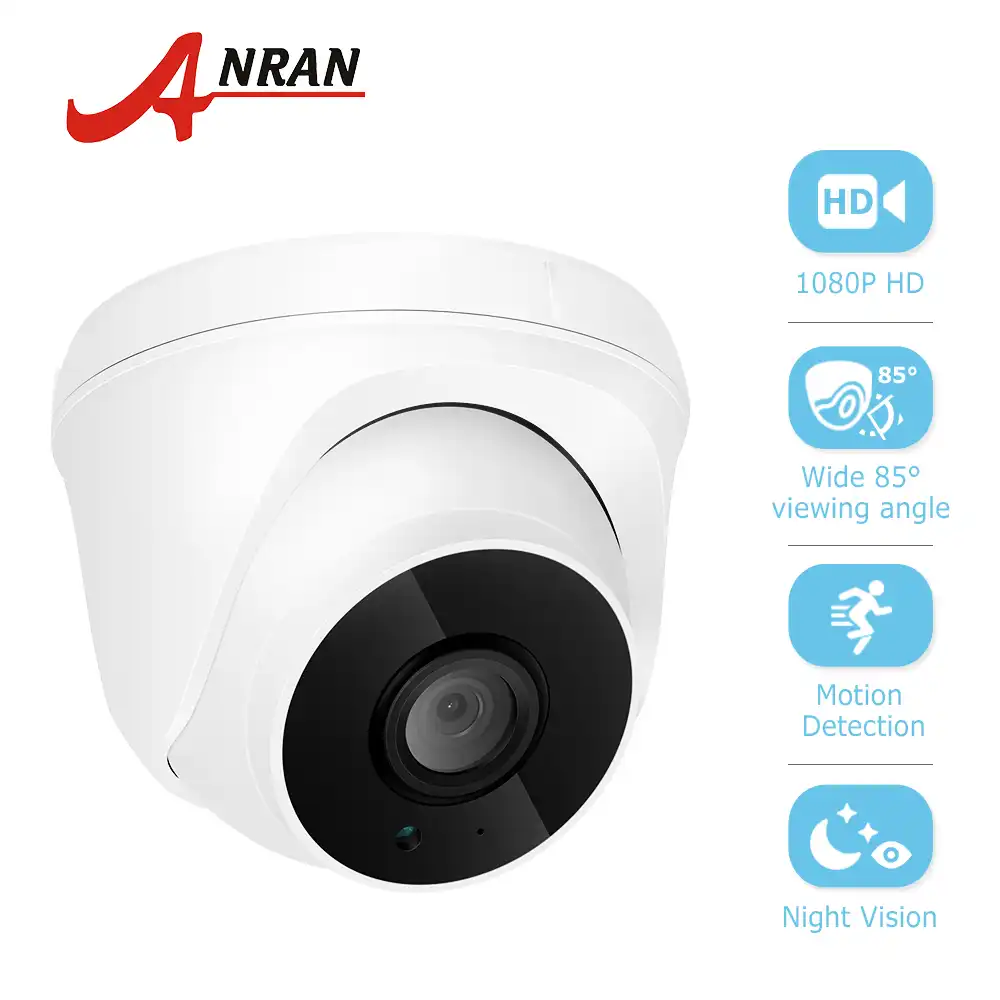
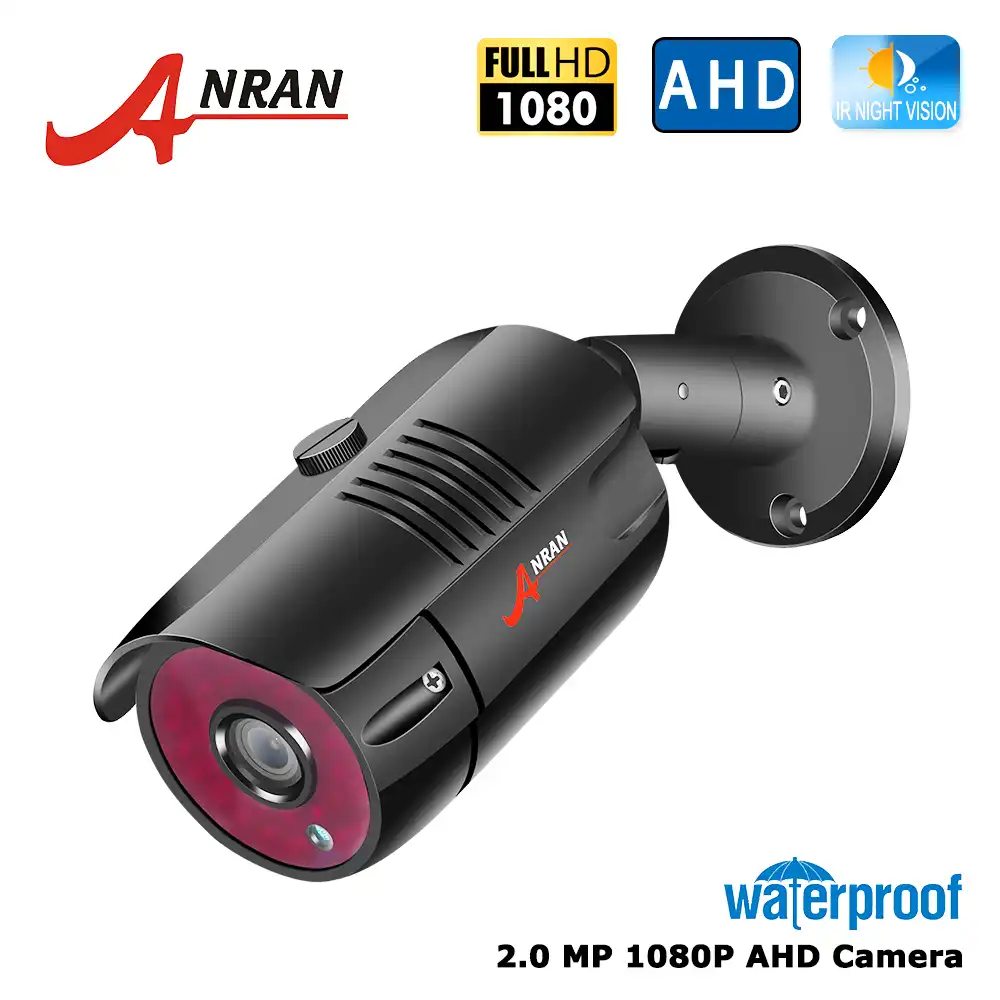
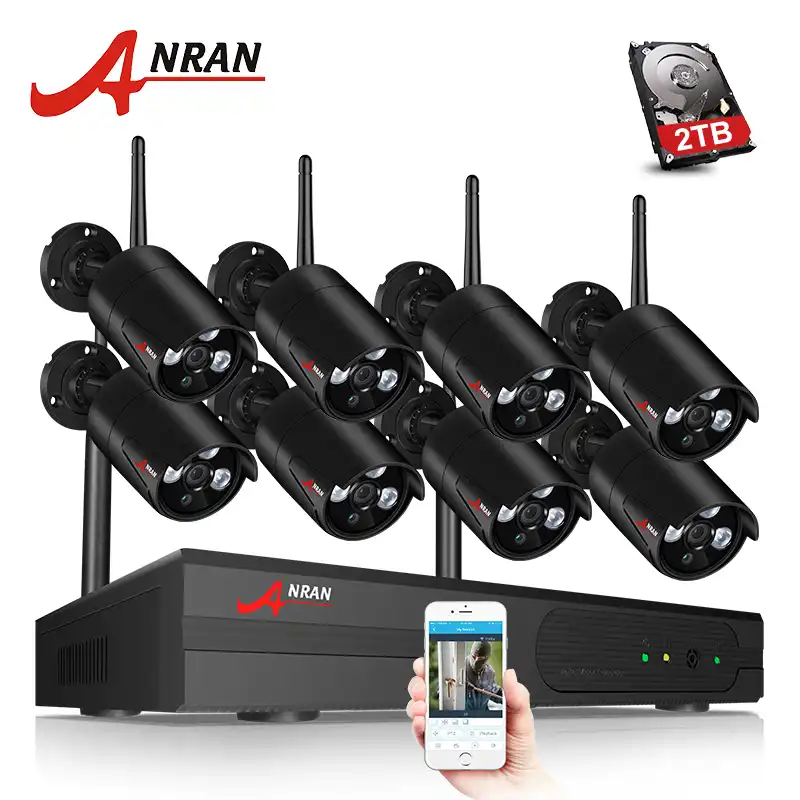
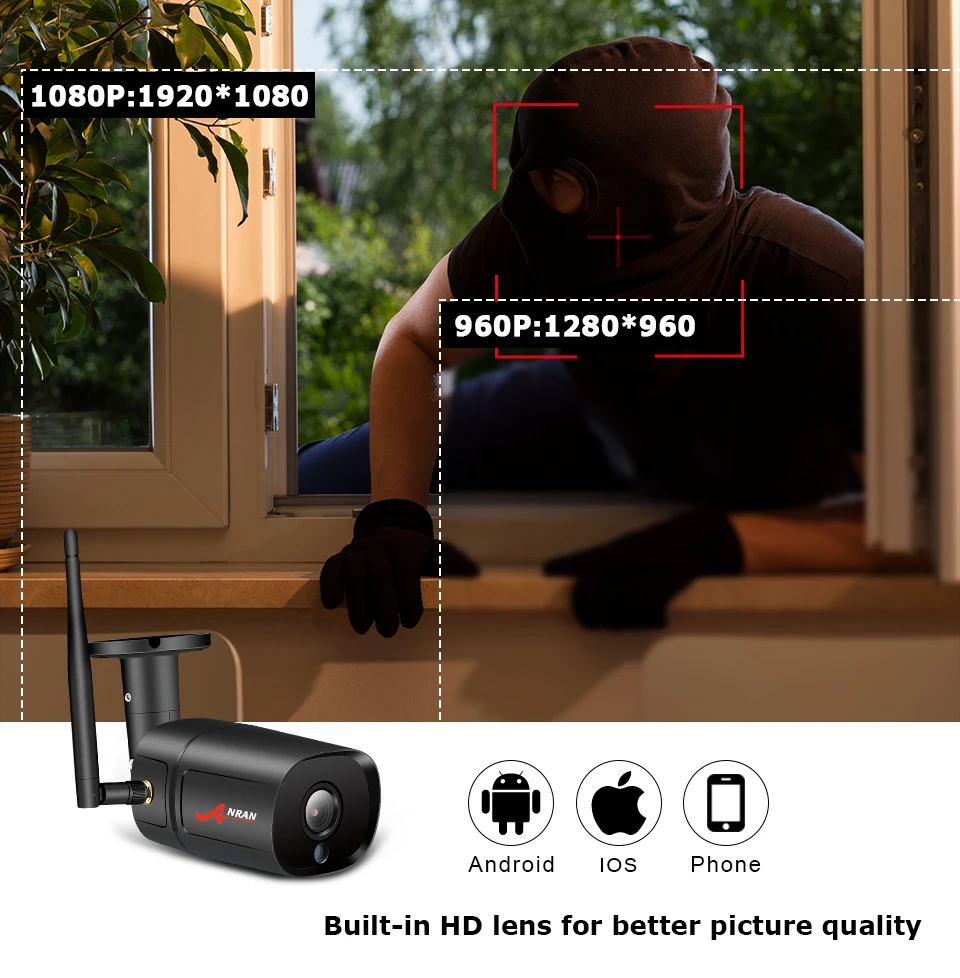
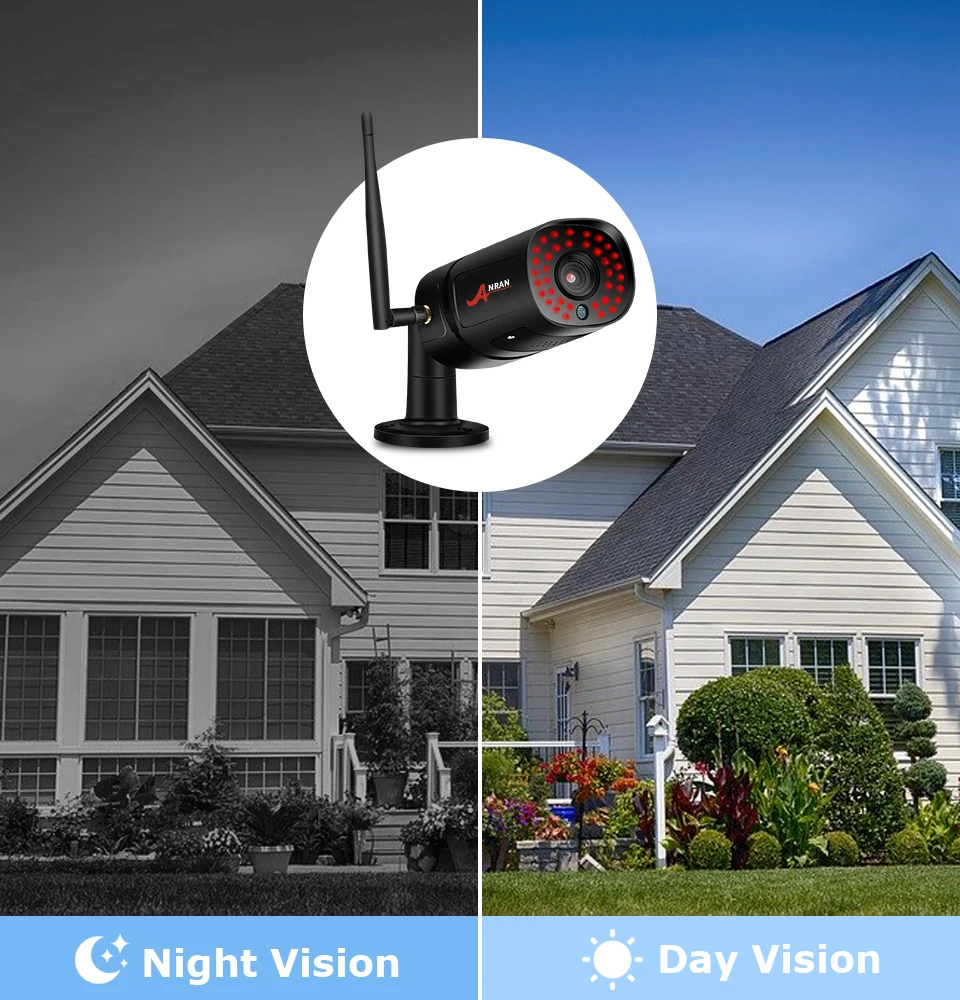
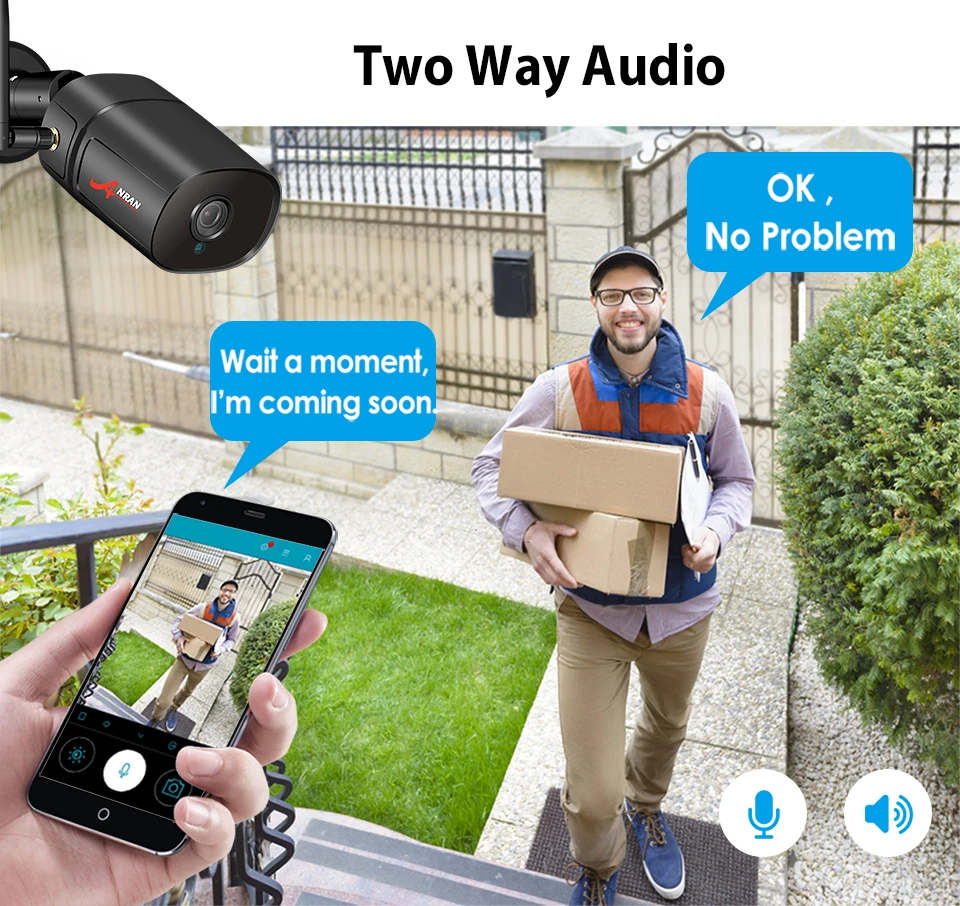
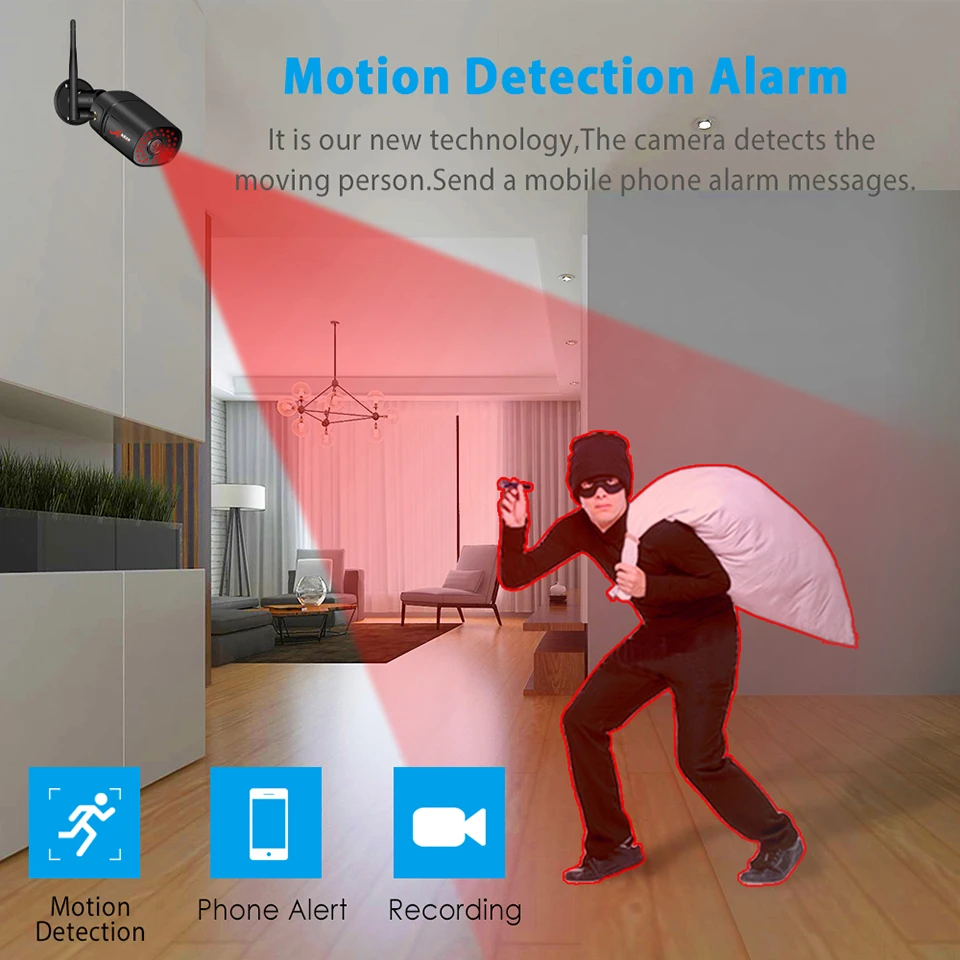
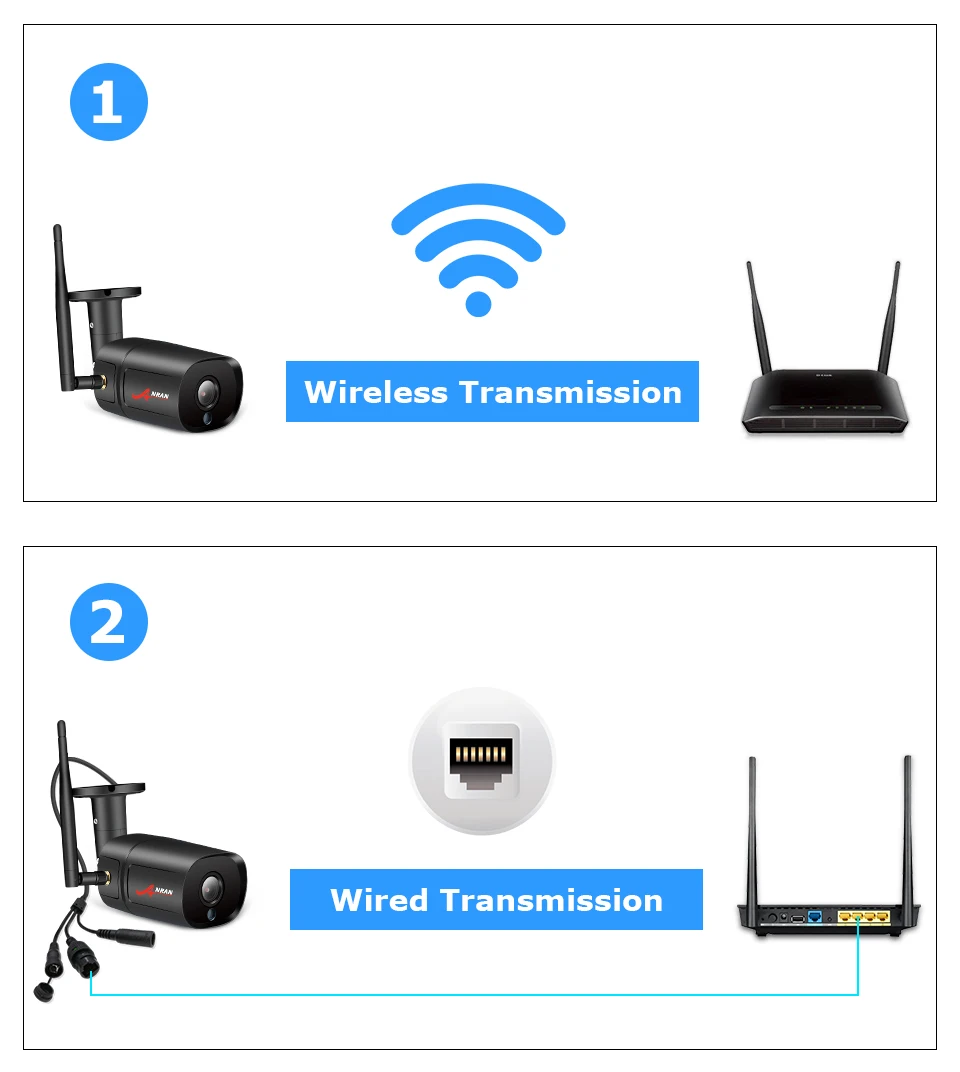
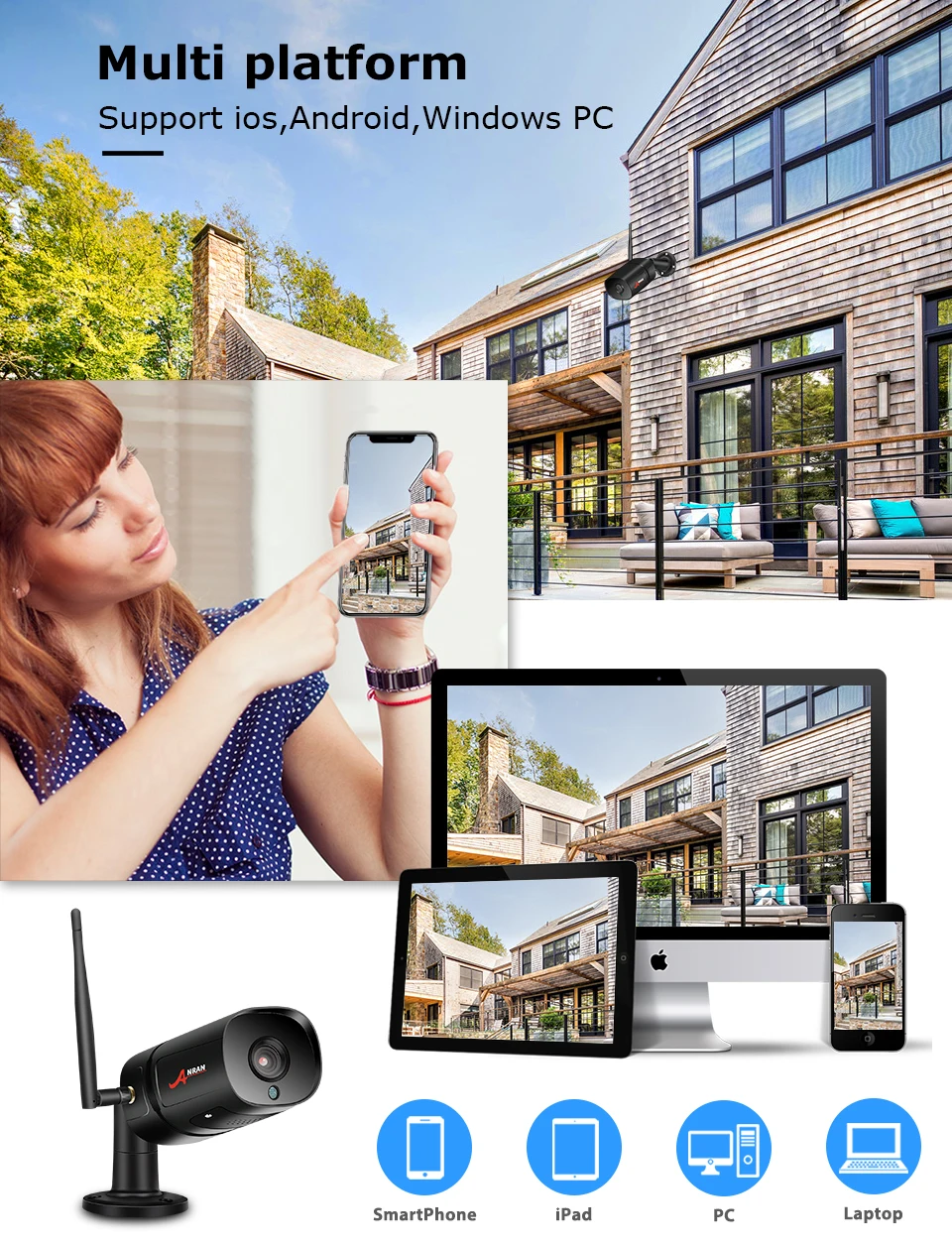
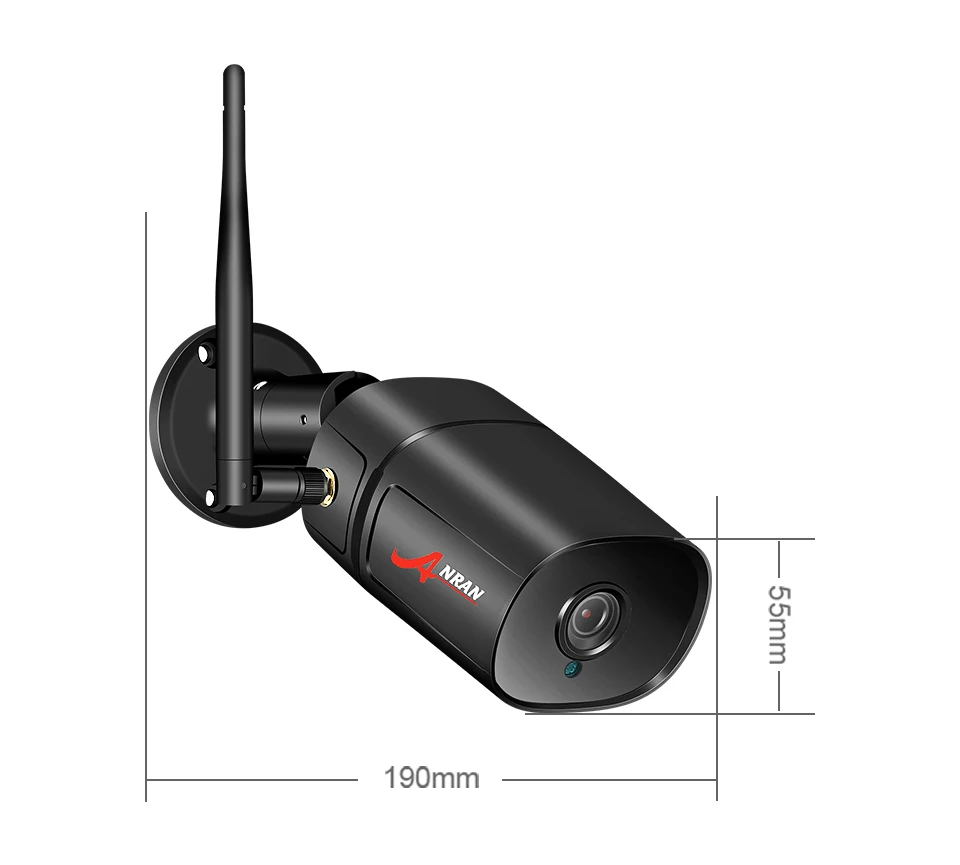
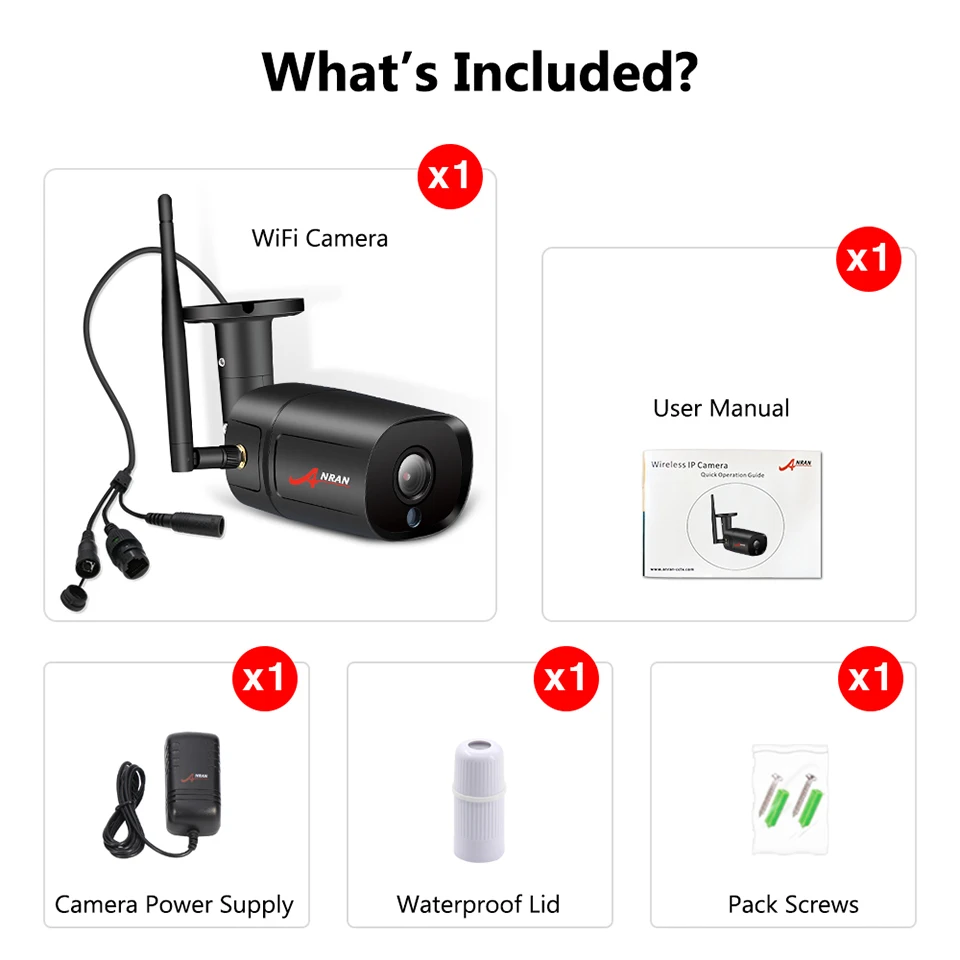
Efficiently configure your Anran IP cameras with our top-rated iSpy or Agent DVR applications. Our robust free surveillance software includes a dedicated wizard tailored for Anran models, simplifying the entire setup process. Additionally, take advantage of ONVIF and RTSP compatibility to ensure versatile connection options across different platforms. Whether for home security or office surveillance, Anran cameras coupled with our software provide reliable and secure monitoring solutions.
Download Free Anran Compatible Software
Explore Agent DVR: the ultimate free AI surveillance software. Effortlessly install and access real-time detection of people, vehicles, and objects. This advanced solution offers a user-friendly interface on any device, supports unlimited cameras, and simplifies remote access without needing port forwarding. Secure and enhance your property with Agent DVR’s powerful monitoring capabilities. Download now for round-the-clock safety and peace of mind!
*For secured remote access or business use see Pricing
Tip: Click a model to generate a video connection URL for your Anran camera
| Models | Type | Protocol | URL |
|---|---|---|---|
| 1080p, 1080P, 1080P PTZ Outdoor D/N Color IR Zoom 3-10mm Network CCTV surveillance IP Camera, 1080P PTZ OUTDOOR D/N COLOR IR ZOOM 3-10MM NETWORK CCTV SURVEILLANCE IP CAMERA, 1080P WIRELESS WIFI PTZ HD IP CAMERA, 211, 24 NR-WIFI, 24CW, 24NB, 24NB-IP, 24NB-IP-POE, 24NB-POE, 24nr, 24NW-IP, 24NW-POE, 24PZ, 254, 264, 2mp, 720p, 960H, ABQ-A1-200W, AGP, A-HDPT06W-IP2, AN-24NR-WIFI, AnranWifi, AnranWired, an-vd123, ap2br, AP2GA-IP, AP3WA-1P, AP-PTO22, AR 408-ip, AR VDB221-IP, AR_VDB221_WIFI, AR-24NB, AR-24NB-IP, AR-24NB-POE, AR-24NR, AR-24NR-WIFI, AR-408GB-IP, AR-408GW, AR-408GW-Wifi-NVT, AR-AP2GA, AR-AP2PA-WIFI, AR-DVB221-POE, AR-DW105-IP, ar-hk02w-ip, AR-N4PW-IP, ar-pdt22, AR-PG02_POE, ar-ptd22, AR-PTD22-POE, AR-VD123-POE, AR-VD123-POE-IP2, ar-vd123-wifi, AR-VDB221-POE, AR-VDB221-WiFi, AR-VGB101-WIFI, AR-VGW721-POE, bullet, Bullet, C754R, chris ptz, Dome, GW-G1S, H.264, h256, hd ip wired, HK02W-ip, HK02W-WIFI, IP 2MP, k8208, Lekkas, mad, Mini wifi, N4PW-IP, NVT, Other, Other., PTZ, savy, S-VGB721-IP2.0, VD123B-wifi, VGB101-POE, VGB101-WIFI, VGB10-WIFI, W610-DW18, wifi_1080p, xxxxx | FFMPEG | rtsp:// | /user=[USERNAME]_password=[PASSWORD]_channel=1_stream=0.sdp |
| 1080P, 1080P WIRELESS WIFI PTZ HD IP CAMERA, 24NR, 24NR-WIFI, 254, 264, 720P, an-nr24-wifi, AR-24NR-WIFI, AR-36WB WIFI, AR-K04W2HC, ar-kd4w13, AR-N48, H.264, H.264 WIFI OUTDOOR, H256, ip66, NVT, Other, SWC1201WT4, swc1201wt4 WIFI OUTDOOR, w307-wifi, wifi, WIFI_1080P, Wireless | JPEG | http:// | cgi-bin/snapshot.cgi?chn=[CHANNEL]&u=[USERNAME]&p=[PASSWORD] |
| 1080P, 1080P WIRELESS WIFI PTZ HD IP CAMERA, 24NW-IP, 254, 5523-W, 720P, AR-408GB-IP, AR-408GB-WIFI, AR-N13W0-P303, ar-vd123-wifi, AR-VGB101-WIFI, AR-W602, ar-w606, AR-W606-WIFI, B01, B04, ipc, Other, W602, WiFi | JPEG | http:// | snapshot.jpg?user=[USERNAME]&pwd=[PASSWORD]&strm=[CHANNEL] |
| 1080P, 1080P WIRELESS WIFI PTZ HD IP CAMERA, AnranWifi, AR-03NB-HX, AR-24, ar-24w, AR-36WB-WIFI, AR-HX36, ar-n20w-hx36, AR-W602, AR-W610, C6F0SoZ3N0PcL2, C9F0SgZ3N0PbL0, c9fosgz3n0pbl0, IPCAM3, KS3002MW, Other, ptz, w602, W610-DW18, w630, WIRELESS, XK888 | FFMPEG | rtsp:// | /11 |
| 1080P, 1080P PTZ OUTDOOR D/N COLOR IR ZOOM 3-10MM NETWORK CCTV SURVEILLANCE IP CAMERA, 1080P WIRELESS WIFI PTZ HD IP CAMERA, ar-24w, AR-80F, ar92f, ar-hx38, AR-W602, AR-W610, AR-W610-WIFI, ar-w620, Other, PORCH PTZ1080P, PTZ1080P, WIFI_1080P | JPEG | http:// | tmpfs/auto.jpg |
| 1080P, 24NB-IP, 24NW-IP, 24NW-POE, AP2BA-IP20, AP2GA-IP, AP3BA-IP, AR205, AR-24NB-IP, AR-408GW, AR-408GW-WIFI-NVT, H.264, IP 2MP, m24 1p, Other, p3max, S-VGB721-IP2.0, VGB101-WIFI, vgw781-ip | VLC | rtsp:// | user=[USERNAME]&password=[PASSWORD]&channel=1&stream=[CHANNEL].sdp? |
| 1080P, 24NB-IP, 24NW-IP, ABQ-A1-200W, AnranWired, AP2GA-IP, AR-408GB-IP, AR-408GW, AR-VDB221-WiFi, AR-VGB101-WIFI, D-C7342, D-C753R, H.264, H.264 WIFI OUTDOOR, HK02W-WIFI, Other, pool, vd122-1p, VGB10-WIFI, vgw781-ip | VLC | rtsp:// | user=[USERNAME]&password=[PASSWORD]&channel=1&stream=0.sdp? |
| 1080P PTZ OUTDOOR D/N COLOR IR ZOOM 3-10MM NETWORK CCTV SURVEILLANCE IP CAMERA, AR_VDB221_WIFI | MJPEG | http:// | video.cgi?resolution=VGA |
| 1080P PTZ OUTDOOR D/N COLOR IR ZOOM 3-10MM NETWORK CCTV SURVEILLANCE IP CAMERA, ip180, Other, WIFI_1080P | MJPEG | http:// | videostream.cgi?user=[USERNAME]&pwd=[PASSWORD]&resolution=32&rate=0 |
| 1080P WIRELESS WIFI PTZ HD IP CAMERA, AR-W664, B01, K8208-3WS | FFMPEG | rtsp:// | /ch0_0.264 |
| 1080P WIRELESS WIFI PTZ HD IP CAMERA, 5523-W, B04, MINI WIFI, Other, XK-67 | JPEG | http:// | snapshot.jpg |
| 24nb, 24NR-WIFI, 24NW-IP, AR VDB221-WIFY, AR-24NW-POE, AR-N10WA-24NR, AR-PTZ22-IP | FFMPEG | rtsp:// | /user=[USERNAME]_password=[PASSWORD]_channel=1_stream=1.sdp |
| 24NB-IP, 24NW-IP, ANRANWIFI, AR-IP180, AR-VD123-WIFI, ip180, Other | JPEG | http:// | snapshot.cgi?user=[USERNAME]&pwd=[PASSWORD] |
| 24NW-IP, Other | JPEG | http:// | img/snapshot.cgi?size=2 |
| 5323-W-Q | JPEG | http:// | /snapshot.jpg |
| 5MP, 720P, 980p, AR-B801, ar-vd123-wifi, B01, doma | JPEG | http:// | snapshot.jpg?user=[USERNAME]&pwd=[PASSWORD] |
| ANRAN 5MP 1940p | JPEG | http:// | /tmpfs/auto.jpg |
| AR-24NB-IP | MJPEG | rtsp:// | /user=[USERNAME]_password=[PASSWORD]_channel=1_stream=0.sdp?real_stream |
| AR-C735 | JPEG | http:// | cgi-bin/net_jpeg.cgi?ch=[CHANNEL] |
| ar-vd123-wifi | FFMPEG | rtsp:// | /user=[PASSWORD]_password=[PASSWORD]_channel=1_stream=0.sdp |
| AR-VDB221-WiFi | FFMPEG | http:// | /video.cgi?resolution=VGA |
| AR-VDB221-WiFi, N01 | FFMPEG | http:// | /videostream.asf?user=[USERNAME]&pwd=[PASSWORD]&resolution=32&rate=0 |
| AR-W602 | FFMPEG | http:// | /onvif/device_service |
| AR-W602 | FFMPEG | rtsp:// | /user=[USERNAME]&password=[PASSWORD]&channel=1&stream=101.sdp? |
| B01 | FFMPEG | rtsp:// | /Streaming/Channels/101 |
| H.264, ip180 | FFMPEG | http:// | videostream.asf?user=[USERNAME]&pwd=[PASSWORD]&resolution=32&rate=0 |
| H.264 WIFI OUTDOOR | JPEG | http:// | snap.jpg?JpegCam=[CHANNEL] |
| Other | JPEG | http:// | cgi-bin/snapshot.cgi?loginuse=[USERNAME]&loginpas=[PASSWORD] |
| Other | JPEG | http:// | image.jpg |
| Other | MJPEG | http:// | img/mjpeg.jpg |
| Other | MJPEG | http:// | img/video.mjpeg |
| R5108-5H, v4.02 | FFMPEG | rtsp:// | /user=[USERNAME]&password=[PASSWORD]&channel=1&stream=0.sdp? |
| wifi_1080p | JPEG | http:// | /snapshot.jpg?user=[USERNAME]&pwd=[PASSWORD] |
* iSpyConnect has no affiliation, connection, or association with Anran’s products. The connection details provided here are crowd sourced from the community and may be incomplete, inaccurate or out of date. We provide no guarantee or warranty that you will be able to connect to your cameras using these URLs.
Other makes starting with «A»
| A | A1webcamA4techAankeAbelcamAbient WeatherA-bmiAboAbrAbr SecurityAbronAbsAbsolutronAbusAc38xxAcamAccflyAccsxpertsAceAcerAceri-bcnAceseeAchtertuinAcmAcm-v3002AcorAcromediaActiActionActioncamActiontecActivaActiveActive VisionActivecamAcumenAcunicoAcvilAdamasAdapterAdataAdcAdecoAdhuaAdhua Dh-ipc-hdw4233c-aAdianceAdjAdtAdvAdvanceAdvanced HomeAdvidiaAdvisenAdvitronicsAecbl1AegisAeonAeossAercontAeromaxAesAetosAevisionAfidusAfreeyAgasioAgkAgptekAgrofilmAgssoAguadillaAguileraAhaAhdAhio DigitalAhulaAi BallAi WifiAiboostproAicamAidaAiexAigasAinolAipcamAir LiveAircamAircamubntAirlinkAirliveAirmobiAirshipAirsightAirsoftAirspaceAirstreamAirtiesAirtopAirviewAirwaveAitAitekAivantAjhuaAjtAjtvAkaiAkasoAkeiaAkonAksiliumAkuAkuvoxAlarm.comAlaterassiAlcatelAlconAlectoAlertmeAleximAlfaAlfawiseAlhuaAliAli ExpressAlianzaAliasAlibiAliendvrAliexpressA-linkAlinkingAlivisionAllectoAlliedeAll-in-oneAllnetAllskyAlltecAlmacenAlonmaAlpAlphaAlpha PowerAlphacamAlphagoAlphatecAlphatechAlpinaAlpineAlptopAltanAltasecAltcamAltec LansingAmAmamaxAmanoAmarineAmatekAmaxAmazableAmazonAmbaAmbarellaAmberAmbientcamAmbyux Dual CamAmcAmcomAmcrestAmegiaAmeraAmerican DynamicsAmetaAmiccomAmikoAmirokAmityAmopmAmorvueAmovisionAmpandAmsecuA-mtkAmviewAmview HdAmwayAna PolaAnbaAnbashAnbeAnbe2AnbenAnbentechAnbiuxAnbongAnbvisionAncarlaAndinAndowlAndroidAndroid Ip CamAndroid Ip WebcamAnendaAngaAngel ElectronicsAnhkietAnjiaAnjielAnjvisionAnko TechAnlapusAnnahmeAnnezAnni DigitalAnnkeAnno Zero LtdAnpvizAnranAnscamAnsiceAnsjerAnsonAnspoAntifurto365Antik SmartcamAntkrAntricaAnvAnvanAnxinshiAnykaAnykeeperAnysunAoboAochanAomgAoshiAoteAotetekAottomApcApemanAperApexisApixApklinkApleyeApmApn Vision Ltd.ApogeeAposonicApp Cam 35AppleApplesonicApplinkAppoApproApproxApricaAproxAp-techAptiAptinaAquaAquilaAr3210AranArchosArcvisionAreaArea51ArebiArecontArentiArgom TechArgosArgusArgusleaderAritArlottoArmArma-techArmorviewArmorvueArnanArpArrow Security SystemArsoftArvani CctvAsagioAsanteAscAsdibuyAsecamAsgariAshmount PtzAsiaAsipAsmAsoniAspacAsrockAstakAsterixAstiAstrAstra StreamingAstrindAstroghostAstrumAstunAsusAsutechAsw-006AszhongaAt VisionAtherosAthomeA-tionAtisAtlantisAtlonaAtomtechAtrixAttAttechAttichdAttnAtvAtzAu3AudianceAudio EnhancementAugustAuricAussenAutoipAuwerAv102ip-40Av12176dn-15Av265Av40185dn-cdAvacomAvajaAvalonixAvantgardeAvayaAvcamAvd552mipAveAvenirAventiAventuraAverAverdigiAvermediaAvertxAvicamAvidiaAvidsenAvigilonAvilinkAvios WebserverAviosisAviosysAvipasAviptekAvistekAvlAvl Hd DomeAvnAvonicAvosysAvr RaidenAvsAvstartAvtAvtechAvtronAvueAvyconAvzAwfa-camAwowAxentaAxeonAxgioAxisAxiumAxpAyrstoneAzemaxAzoneAzpenAztech |
|---|
More Sources
* iSpyConnect has no affiliation, connection, or association with Anran’s products. The connection details provided here are crowd sourced from the community and may be incomplete, inaccurate or out of date. We provide no guarantee or warranty that you will be able to connect to your cameras using these URLs.
There are two connection options in Camlytics smart camera software for Windows PC to login and view your Anran IP camera. Those are automatic discovery (you’ll see your camera in our software) and manual discovery (without camera website).
If you cannot find your Anran CCTV camera in the left section or it isn’t working with Camlytics software app, click «Manual» in Discovery section to setup your Anran cameras with direct RTSP or HTTP stream URL.
If you could not connect your camera, please refer to the documentation
You can connect Anran to Camlytics to add the following video analytics capabilities to your camera:
| Model | Protocol | Path | Port |
|---|---|---|---|
|
ar-vd123-wifi |
rtsp:// | /user=[USERNAME]_password=[PASSWORD]_channel=1_stream=0.sdp | 554 |
|
ar-vd123-wifi |
rtsp:// | /user=[PASSWORD]_password=[PASSWORD]_channel=1_stream=0.sdp | 554 |
|
AR-VDB221-POE |
rtsp:// | /user=[USERNAME]_password=[PASSWORD]_channel=1_stream=0.sdp | 554 |
|
AR-VDB221-WiFi |
http:// | /video.cgi?resolution=VGA | 80 |
|
AR-VDB221-WiFi |
http:// | /videostream.asf?user=[USERNAME]&pwd=[PASSWORD]&resolution=32&rate=0 | 80 |
|
AR-VGB101-WIFI |
rtsp:// | /user=[USERNAME]_password=[PASSWORD]_channel=1_stream=0.sdp | 554 |
|
AR-VGW721-POE |
rtsp:// | /user=[USERNAME]_password=[PASSWORD]_channel=1_stream=0.sdp | 554 |
|
AR-W602 |
http:// | /onvif/device_service | 8000 |
|
AR-W602 |
rtsp:// | /user=[USERNAME]&password=[PASSWORD]&channel=1&stream=101.sdp? | 8554 |
|
AR-W602 |
http:// | snapshot.jpg?user=[USERNAME]&pwd=[PASSWORD]&strm=[CHANNEL] | 5544 |
|
AR-W610 |
rtsp:// | /11 | 554 |
|
AR-W610 |
http:// | tmpfs/auto.jpg | 80 |
|
B01 |
http:// | snapshot.jpg?user=[USERNAME]&pwd=[PASSWORD]&strm=[CHANNEL] | 80 |
|
B01 |
http:// | snapshot.jpg?user=[USERNAME]&pwd=[PASSWORD] | 80 |
|
bullet |
rtsp:// | /user=[USERNAME]_password=[PASSWORD]_channel=1_stream=0.sdp | 554 |
|
C6F0SoZ3N0PcL2 |
rtsp:// | /11 | 554 |
|
C754R |
rtsp:// | /user=[USERNAME]_password=[PASSWORD]_channel=1_stream=0.sdp | 554 |
|
C9F0SgZ3N0PbL0 |
rtsp:// | /11 | 554 |
|
c9fosgz3n0pbl0 |
rtsp:// | /11 | 554 |
|
chris ptz |
rtsp:// | /user=[USERNAME]_password=[PASSWORD]_channel=1_stream=0.sdp | 554 |
|
Dome |
rtsp:// | /user=[USERNAME]_password=[PASSWORD]_channel=1_stream=0.sdp | 554 |
|
GW-G1S |
rtsp:// | /user=[USERNAME]_password=[PASSWORD]_channel=1_stream=0.sdp | 554 |
|
H.264 |
rtsp:// | /user=[USERNAME]_password=[PASSWORD]_channel=1_stream=0.sdp | 554 |
|
h256 |
rtsp:// | /user=[USERNAME]_password=[PASSWORD]_channel=1_stream=0.sdp | 554 |
|
hd ip wired |
rtsp:// | /user=[USERNAME]_password=[PASSWORD]_channel=1_stream=0.sdp | 554 |
|
HK02W-ip |
rtsp:// | /user=[USERNAME]_password=[PASSWORD]_channel=1_stream=0.sdp | 554 |
|
HK02W-WIFI |
rtsp:// | /user=[USERNAME]_password=[PASSWORD]_channel=1_stream=0.sdp | 554 |
|
IP 2MP |
rtsp:// | /user=[USERNAME]_password=[PASSWORD]_channel=1_stream=0.sdp | 554 |
|
IPCAM3 |
rtsp:// | /11 | 554 |
|
k8208 |
rtsp:// | /user=[USERNAME]_password=[PASSWORD]_channel=1_stream=0.sdp | 554 |
|
KS3002MW |
rtsp:// | /11 | 554 |
|
Lekkas |
rtsp:// | /user=[USERNAME]_password=[PASSWORD]_channel=1_stream=0.sdp | 554 |
|
mad |
rtsp:// | /user=[USERNAME]_password=[PASSWORD]_channel=1_stream=0.sdp | 554 |
|
Mini wifi |
rtsp:// | /user=[USERNAME]_password=[PASSWORD]_channel=1_stream=0.sdp | 554 |
|
N01 |
http:// | /videostream.asf?user=[USERNAME]&pwd=[PASSWORD]&resolution=32&rate=0 | 80 |
|
N4PW-IP |
rtsp:// | /user=[USERNAME]_password=[PASSWORD]_channel=1_stream=0.sdp | 554 |
|
NVT |
rtsp:// | /user=[USERNAME]_password=[PASSWORD]_channel=1_stream=0.sdp | 554 |
|
Other |
rtsp:// | /11 | 554 |
|
Other |
http:// | tmpfs/auto.jpg | 80 |
|
Other |
rtsp:// | /user=[USERNAME]_password=[PASSWORD]_channel=1_stream=0.sdp | 554 |
|
Other |
http:// | videostream.cgi?user=[USERNAME]&pwd=[PASSWORD]&resolution=32&rate=0 | 10554 |
|
PORCH PTZ1080P |
http:// | tmpfs/auto.jpg | 80 |
|
ptz |
rtsp:// | /11 | 554 |
|
PTZ |
rtsp:// | /user=[USERNAME]_password=[PASSWORD]_channel=1_stream=0.sdp | 554 |
|
PTZ1080P |
http:// | tmpfs/auto.jpg | 80 |
|
savy |
rtsp:// | /user=[USERNAME]_password=[PASSWORD]_channel=1_stream=0.sdp | 554 |
|
S-VGB721-IP2.0 |
rtsp:// | /user=[USERNAME]_password=[PASSWORD]_channel=1_stream=0.sdp | 554 |
|
v4.02 |
rtsp:// | /user=[USERNAME]&password=[PASSWORD]&channel=1&stream=0.sdp? | 554 |
|
VD123B-wifi |
rtsp:// | /user=[USERNAME]_password=[PASSWORD]_channel=1_stream=0.sdp | 554 |
|
VGB101-POE |
rtsp:// | /user=[USERNAME]_password=[PASSWORD]_channel=1_stream=0.sdp | 554 |
|
VGB101-WIFI |
rtsp:// | /user=[USERNAME]_password=[PASSWORD]_channel=1_stream=0.sdp | 554 |
|
VGB10-WIFI |
rtsp:// | /user=[USERNAME]_password=[PASSWORD]_channel=1_stream=0.sdp | 554 |
|
w602 |
rtsp:// | /11 | 554 |
|
W610-DW18 |
rtsp:// | /user=[USERNAME]_password=[PASSWORD]_channel=1_stream=0.sdp | 554 |
|
W610-DW18 |
rtsp:// | /11 | 554 |
|
w630 |
rtsp:// | /11 | 554 |
|
wifi_1080p |
rtsp:// | /user=[USERNAME]_password=[PASSWORD]_channel=1_stream=0.sdp | 554 |
|
wifi_1080p |
http:// | /snapshot.jpg?user=[USERNAME]&pwd=[PASSWORD] | 80 |
|
xxxxx |
rtsp:// | /user=[USERNAME]_password=[PASSWORD]_channel=1_stream=0.sdp | 554 |
|
1080P PTZ OUTDOOR D/N COLOR IR ZOOM 3-10MM NETWORK CCTV SURVEILLANCE IP CAMERA |
http:// | video.cgi?resolution=VGA | 80 |
|
1080P WIRELESS WIFI PTZ HD IP CAMERA |
rtsp:// | /ch0_0.264 | 8000 |
|
5MP |
http:// | snapshot.jpg?user=[USERNAME]&pwd=[PASSWORD] | 8554 |
|
ANRAN 5MP 1940p |
http:// | /tmpfs/auto.jpg | 8119 |
|
ar-w620 |
http:// | tmpfs/auto.jpg | 80 |
|
AR-W664 |
rtsp:// | /ch0_0.264 | 554 |
|
B01 |
rtsp:// | /ch0_0.264 | 8000 |
|
H.264 WIFI OUTDOOR |
http:// | snap.jpg?JpegCam=[CHANNEL] | 554 |
|
p3max |
rtsp:// | user=[USERNAME]&password=[PASSWORD]&channel=1&stream=[CHANNEL].sdp? | 88 |
|
XK888 |
rtsp:// | /11 | 554 |
Camlytics has no affiliation, connection, or association with Anran products. The connection links can be incomplete, inaccurate or both. We provide no warranty that you will successfully connect using these URLs or that Anran products are compatible with Camlytics.
Welcome To ANRAN Support Center
Promoted Articles
Charging/Battery issues
SD card issues
Connection issues
Wireless NVR System issues
Get Product Help — Download User Manual

Have questions with products which work with ANRAN APP? Download User Manual Get More

Have questions with products which work with ARCCTV APP? Download User Manual Get More
Popular Service
Troubleshooting
Having issues with your ANRAN products? Get quick answers to your device issues
Download Center
Download App and Client,user manual quickly and reliably to your devices.
Return Policy
Find information about ordering ANRAN online, returns policy and more.
Extended Warranty
Get extended warranty coverage for your ANRAN products with 12-month guarantee to ease your worry.
Still Need Help?
We’re happy to assist you whenever you need us.
This manual contains all the contents of Anran, how to add it, how to set up the functions of Anran cameras, etc. It is constantly being updated.
Login Anran
- Open the APP to sign up an account. Go to the login interface, and click “Sign Up”.
- Sign up with your email address, and click “Next”.
- Set up an “Nickname” and “Password” for your APP, click “Done” to complete.
Connect Anran Camera
The Anran camera has two connection modes, it is recommended to use the QR code mode to connect the camera.
QR Code Mode
1. Please start the Anran camera before you connect it.
For battery-powered cameras, the user should press and hold the power button to activate the device. In the case of a smart doorbell, it is necessary to remove the insulating tab on the battery to begin the startup process. For other cameras, connection to a power source is required.
2. Open the Anran APP, register and log in.
Then click on ‘Add Device’ or ‘+’ to connect your camera, select your Anran camera and click on Next.
(All the cameras from every year have the same connection method, so you can freely choose any camera.)

3. If you are using the Anran camera for the first time, you do not need to reset it, you can see the flashing red light, just click Next.
If the red light is not flashing, please reset the Anran camera.

4. Make sure your wifi is 2.4GHz, if not, connect to 2.4GHz wifi and enter your wifi password, click Next.
Make sure your wifi name and password are correct. Anran cameras only support 2.4GHz wifi.

5. Please remove all film from the lens. Tap Next to show a QR code, and let your device scan the code. Keep your phone 5-8 inches from the lens.
After the camera recognize the QR code, it will sound“ bugu” , tap “next”.

6. Now wait for the Anran camera to connect to your wifi and access the internet, usually around 60 seconds for a successful connection.

7. After successful connection, the app will show you the installation guide and wifi signal test, you can simply click Skip.

AP Network Mode
When the Anran camera does not scan the QR code, you can try to connect to the camera using the AP network mode
1. Click on the icon in the top right corner to switch to ‘AP Network’ mode, then click on Next.

2. Make sure your wifi is 2.4GHz, if not, connect to 2.4GHz wifi and enter your wifi password, click Next.
Make sure your wifi name and password are correct. Anran cameras only support 2.4GHz wifi.

3. Click on the ‘Connect’a button, then go to the phone settings to connect to the [STRN_XXXXXX] camera wifi, and return to the Anran APP after connecting.
![Click on the ‘Connect’a button, then go to the phone settings to connect to the [STRN_XXXXXX] camera wifi, and return to the Anran APP after connecting.](https://i0.wp.com/www.camapp365.com/wp-content/uploads/2023/04/Connect-ANRAN-Camera-AP-Network-Mode-2.jpg?resize=1024%2C737&ssl=1)
4. Now wait for the Anran camera to connect to your wifi and access the internet, usually around 60 seconds for a successful connection.

5. After successful connection, the app will show you the installation guide and wifi signal test, you can simply click Skip.

Processing Steps of Anran Camera and Wi-Fi connection failure
- Please make sure you are using 2.4GHz Wi-Fi. In our experience, most users fail to connect the WI-Fl because of selecting 5GHz Wi-Fi and
adding the camera incorrectly.
- Make sure you use the correct Wi-Fi password and a fast Wi-Fi network.(Note: It requires that the Wi-Fi password doesn’t have special characters such as (/l!@#$))
- Make sure the QR code on the phone screen is normal and the distance between the phone and the camera lens is 10-15cm (3.9-5.9inch) during the scanning process.
- If none of the above steps take effect, please try to re-download the APP, restore the product to factory settings, restart the router, and then add it again.
- After multiple attempts have failed, please contact customer service
Install Anran camera
Please test that the Anran camera is working before attaching it to the wall.
Select Height and location
Hang the Anran camera 7-10 ft above the ground. This height maximizes the detection range of the motion sensor of the camera. Avoid placing the camera under direct sunlight.

Tips for the installation of solar panel
- When installing in the northern hemisphere, face the panel to the south, and when installing in the southern hemisphere, face the panel to the north.
- Take care to install the solar panel so that the sun is not blocked by any items such as eaves, trees branches, etc.

You can share Anran camera to your family, while multiple people use the camera. Your family members need Anran account to share.
Enter the camera settings interface, click Device Share > Add > Select sharing mode.

Scan OR Code
Open your family’s APP, show your family’s QR-Code. and scan it. Share the camera with your family.

Enter account
Please enter the other party’s account

Setup Motion Detection
The Anran camera motion detection is activated by default, you can set it in detail in Alarm Management.
You can set the detection sensitivity, the detection time and also the detection area to reduce false alarms.
- Motion Detection: The Anran camera detects if there is a moving object in the frame
- Noise Detection: The Anran camera detects any unusual sounds in the surroundings

Audio warning and strobe light
Activate the Audio warning and strobe light function, which allows the camera to sound an alarm or flash a light when an object is detected to scare off intruders.
(Only Anran cameras with colour night vision and white light sources support strobe light)

| Audio warning | When motion or humanoid is detected, the camera will sound alarm |
| White Light warning | When motion or humanoid is detected, the camera will light alarm |
| Audio warning and strobe light | When motion or humanoid is detected, the camera will sound and light alarm |
View alarm messages
In Alarm Messages you can see all alarm messages, and if you have a memory card inserted, click on the green play icon to view the alarm video.

Setup Recording
You will need to insert a memory card to record, Anran supports memory cards from 4-128GB.
After inserting the card you can see the memory space in Recording Management and select the recording mode, All Day Recording or Event Recording.

Setup Night vision mode
For Anran cameras that support colour night vision, you can set the night vision mode in Image Settings > Night vision mode

Common problems
Why is the Anran camera still in the list of devices after resetting?
The reset function only resets the network configuration of the camera, but does not affect the configuration on the App. Therefore, to remove the camera from the list of devices, it must be deleted within the App.
How can I switch my Anran camera to another router network?
First, remove and reset the Anran camera on Anran App, and then configure the camera again using the App to connect to the new router network.
Why is the Anran camera not identifying the inserted SD card?
It is recommended to insert the SD card after power has been cut to the camera. Additionally, please confirm that the SD card is functioning properly and formatted in FAT32. In some cases, the camera may not recognize the TF card if the internet connection is poor.
Why am I not receiving notifications on my mobile phone App for the Anran camera?
Please ensure that the App is running on your phone and that the relevant notification settings have been enabled. Additionally, make sure that message notifications and relevant permissions have been enabled in your mobile phone system settings.